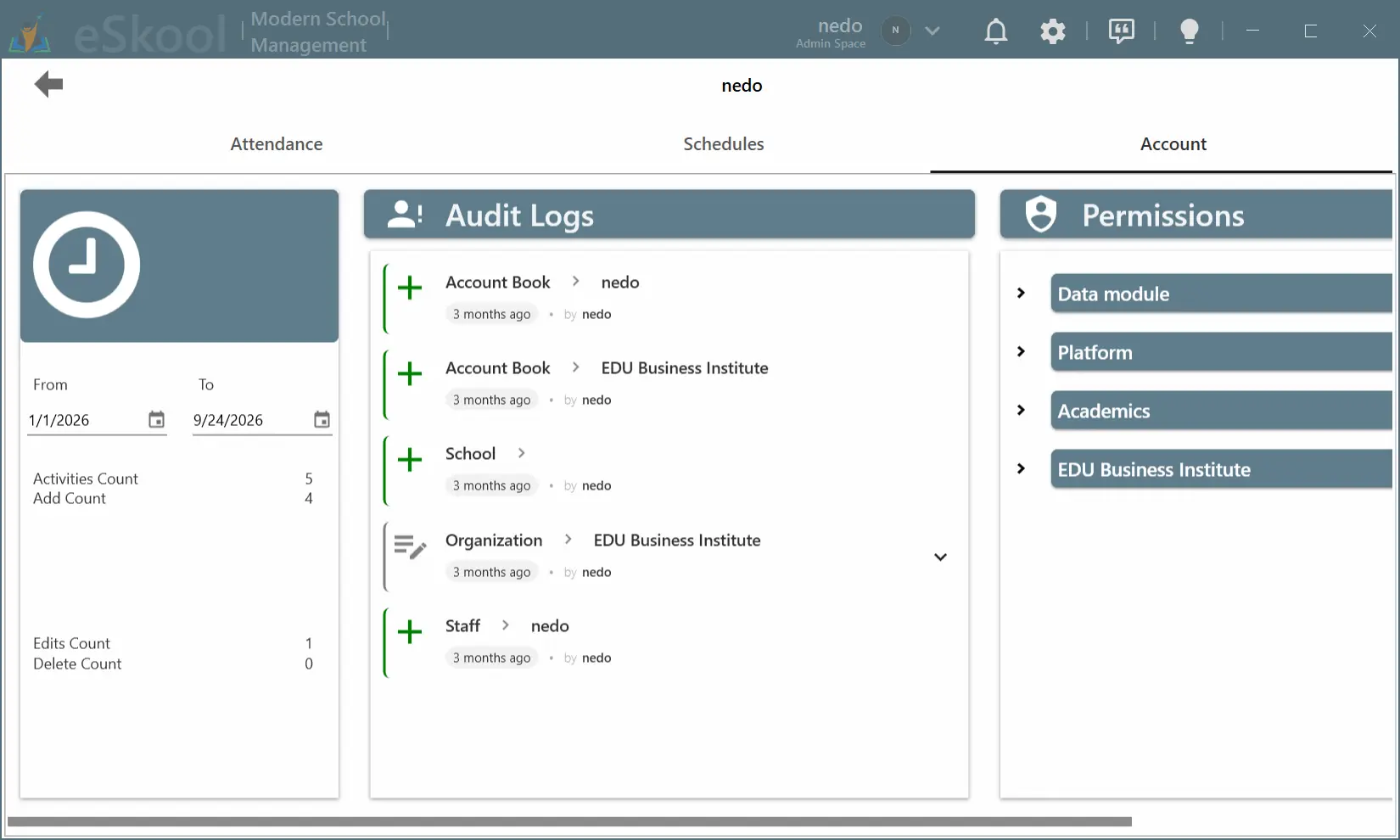
Audit Logs
See who did what and when in the system.
- Track actions for security and accountability
- Troubleshoot issues by seeing what changed
- Keep records for compliance
View a Staff Member’s Activity
Section titled “View a Staff Member’s Activity”- From the main dashboard, click Staffs and open the staff member.
- Open the Account tab.
- In the summary card, pick the dates in From and To.
The card counts the person’s actions over those dates: Activities Count, Add Count, Edits Count, and Delete Count. The Audit Logs panel next to it lists each action.