Principal
Manage academic structure, timetables, teachers, and curriculum.
- Run classes, assign teachers, build the timetable
- Oversee academics without IT admin access
- For principals, directors of studies, or academic coordinators
In Luwal, this is the Study Space.
What You Can Do
Section titled “What You Can Do”Classes
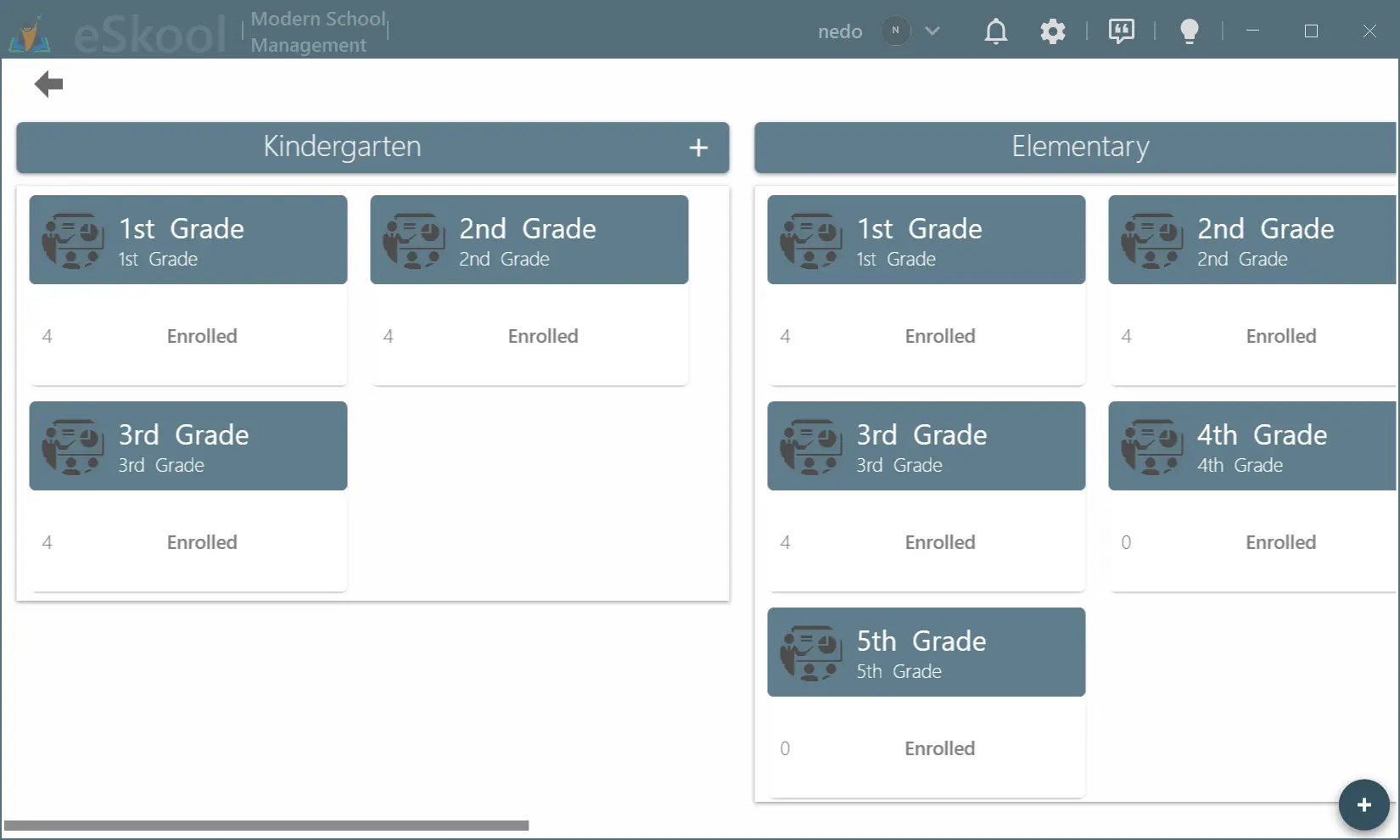
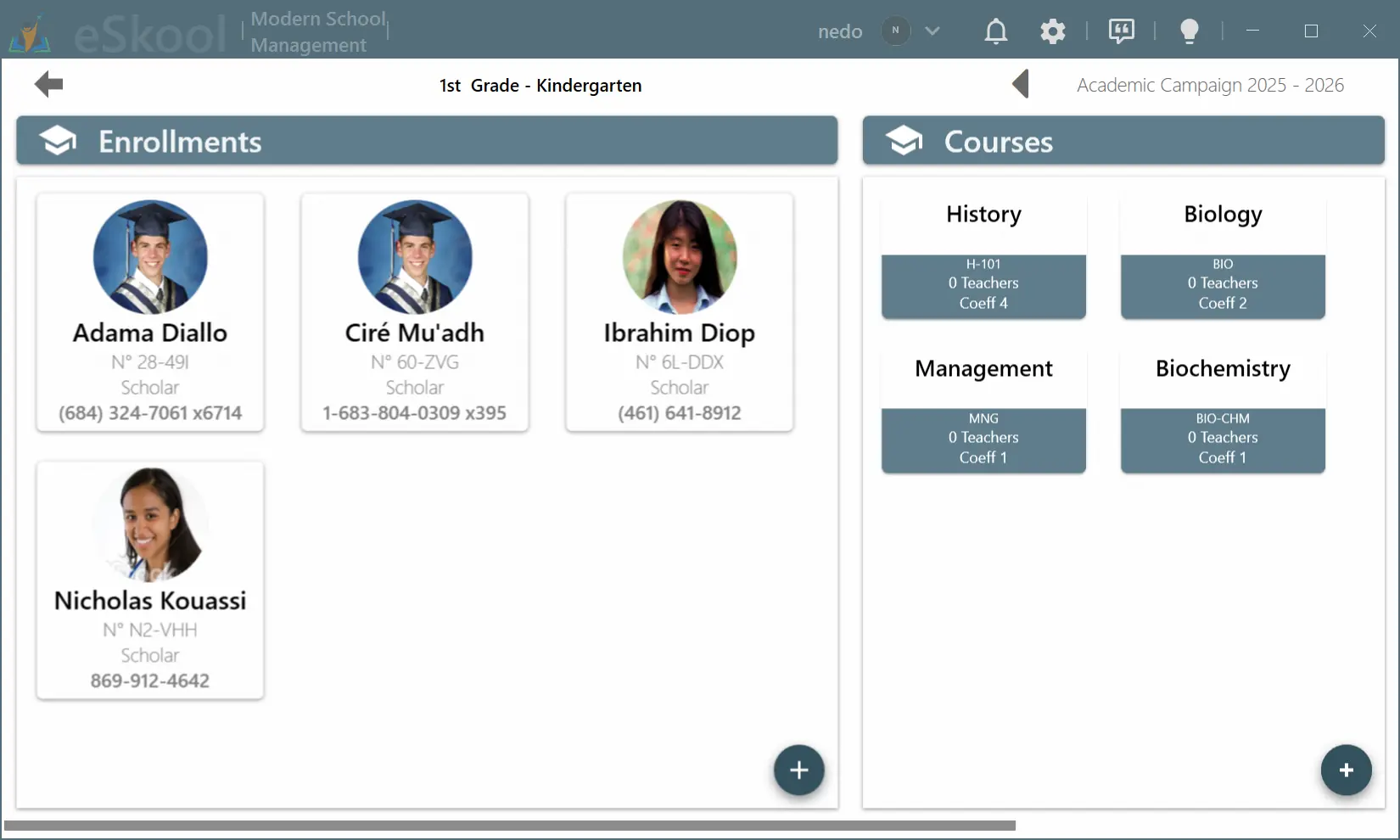
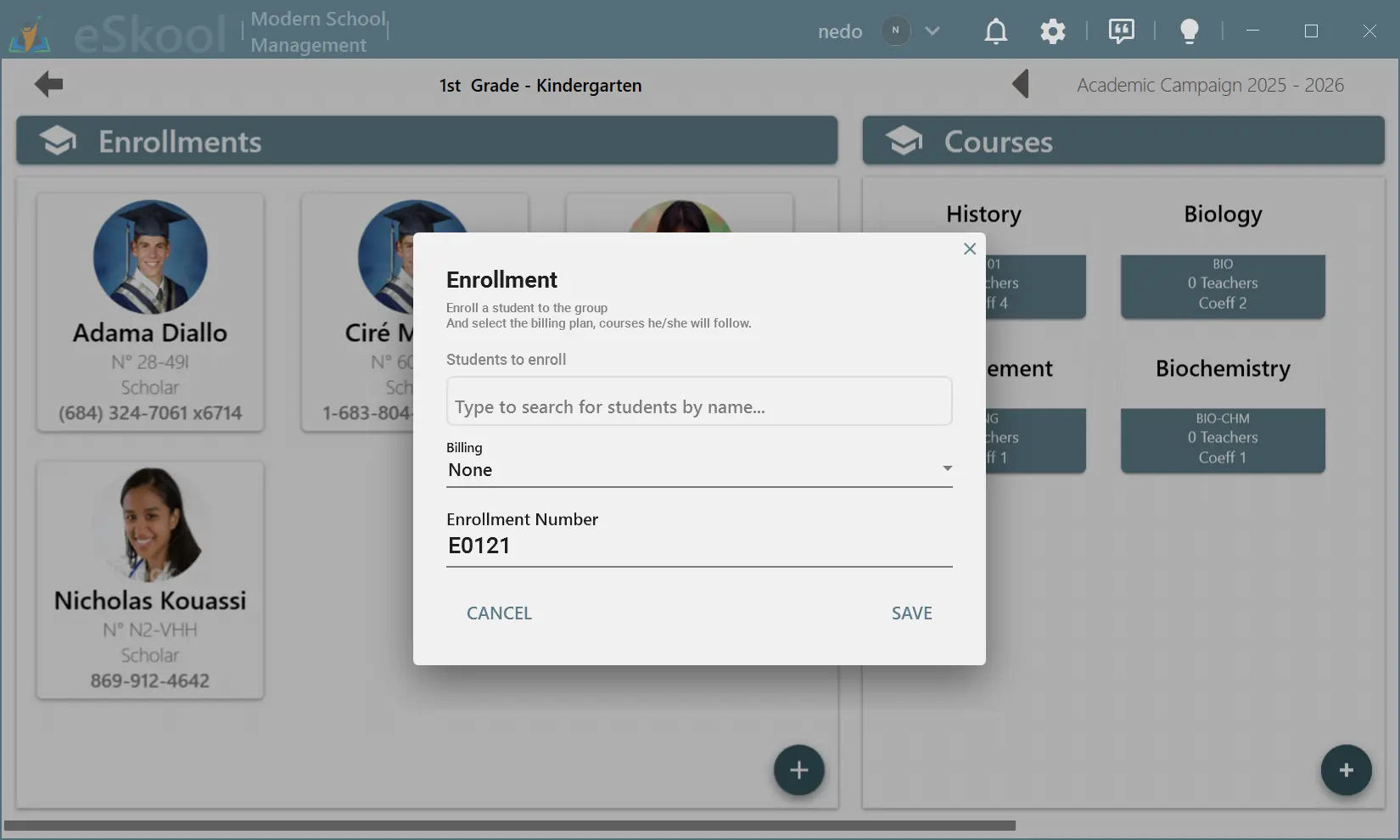
Section titled “Classes”Click Groups to open any class and manage its enrollments, subjects, billing plans, and attendance.
Subjects
Section titled “Subjects”Define subjects for each class with their coefficients. See Subjects.
Billing
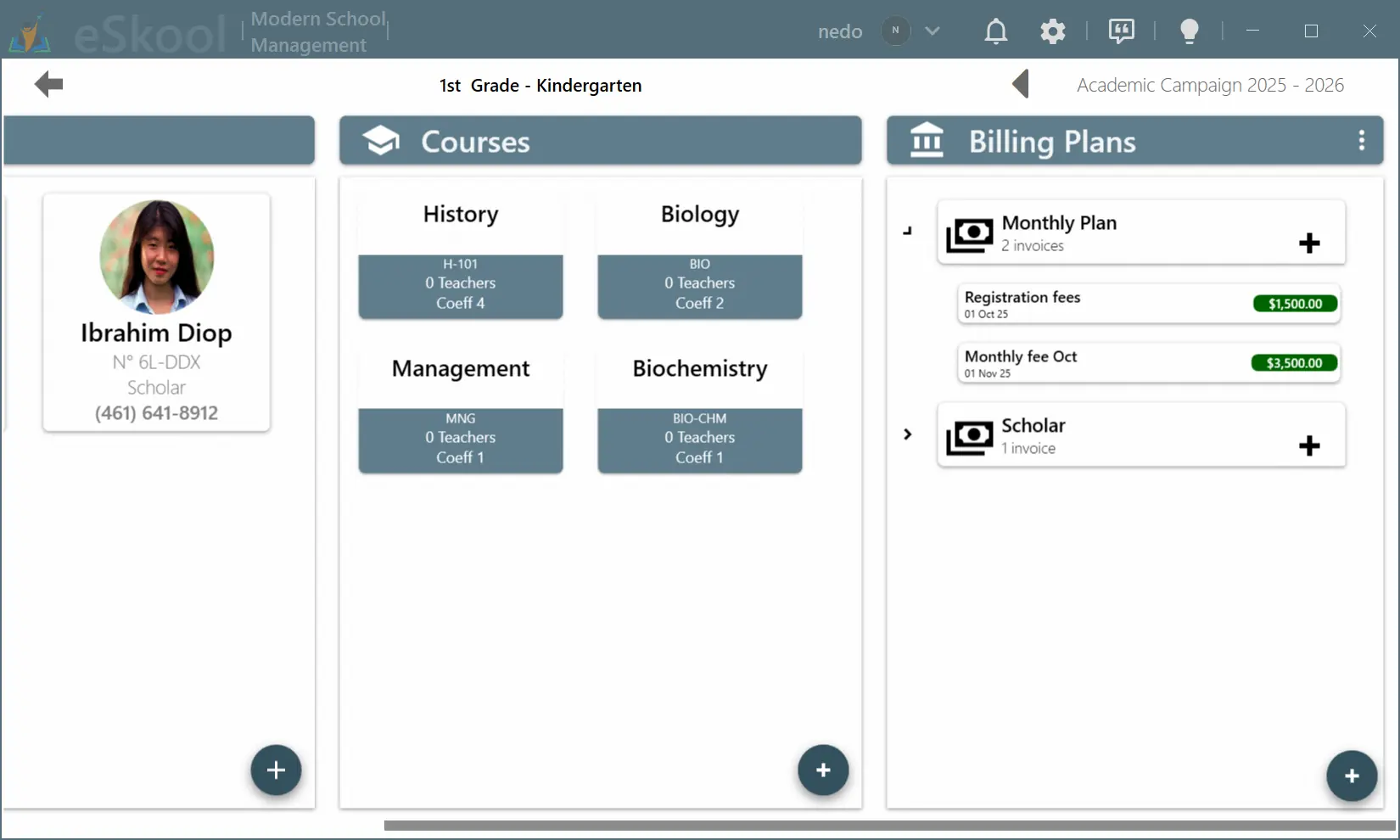
Section titled “Billing”Set up billing plans for each class. See Class Fees.
Timetable
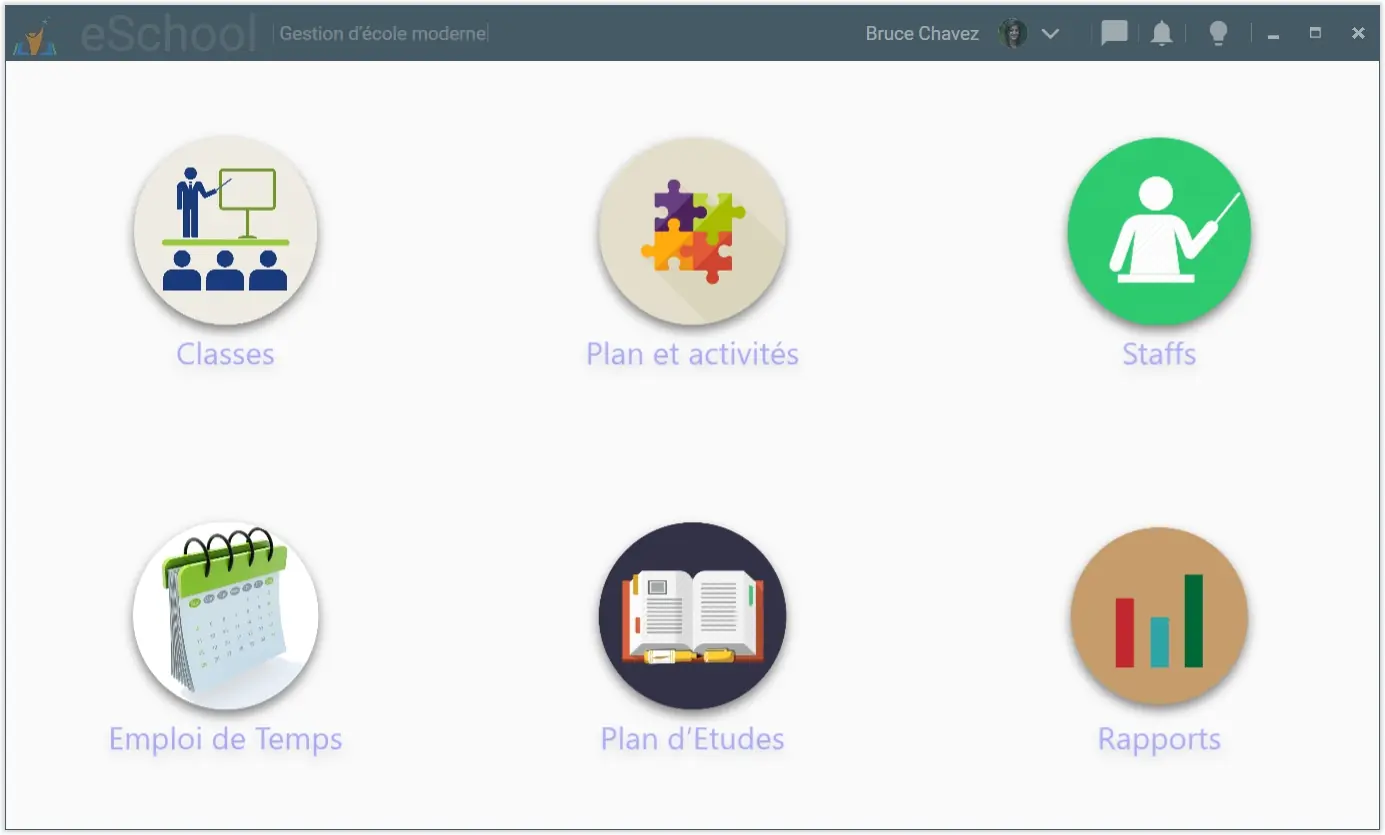
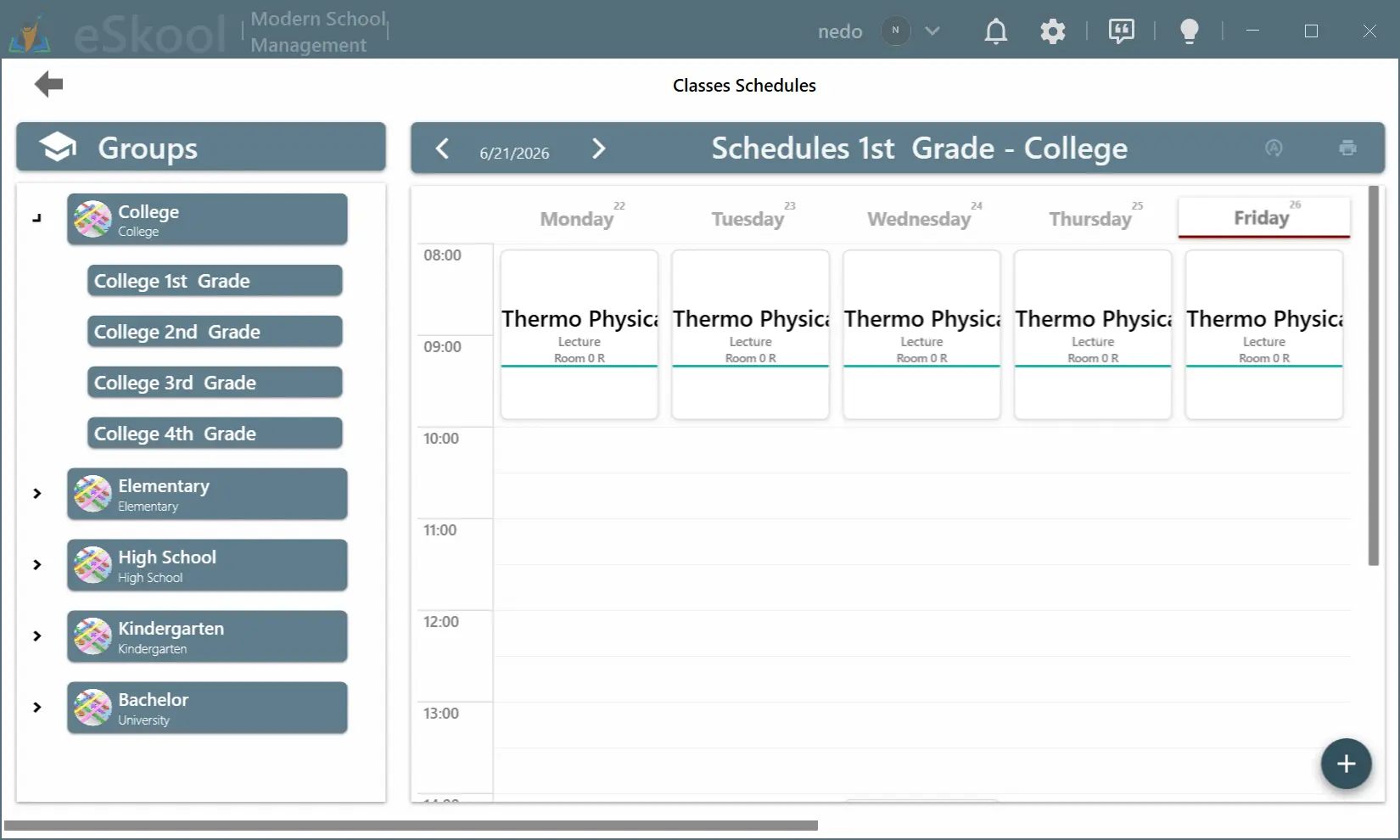
Section titled “Timetable”Click Timetable to schedule classes and exams without conflicts.
Academic Plan
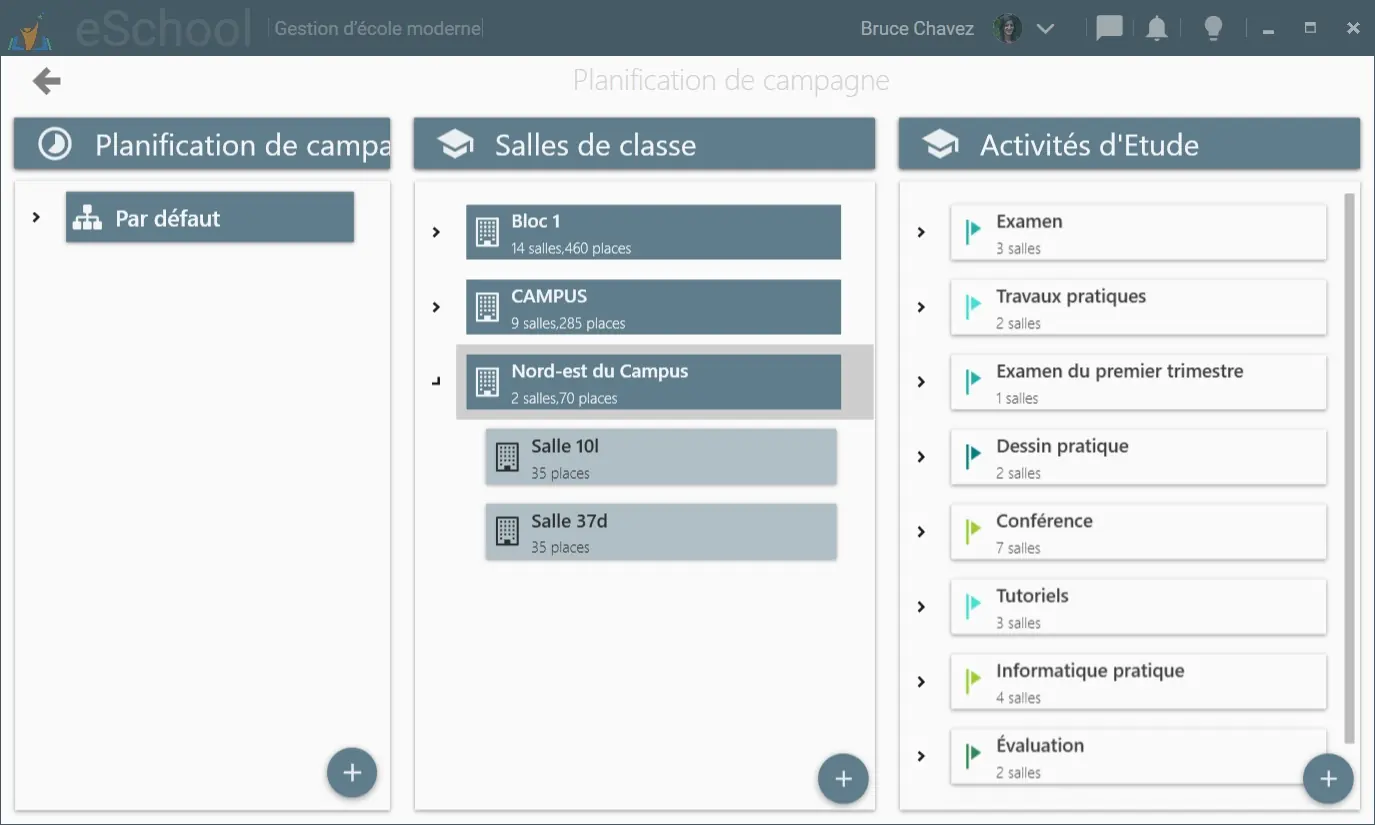
Section titled “Academic Plan”Click Plan and Activities to set up school years, terms, classrooms, and activities. See School Year.
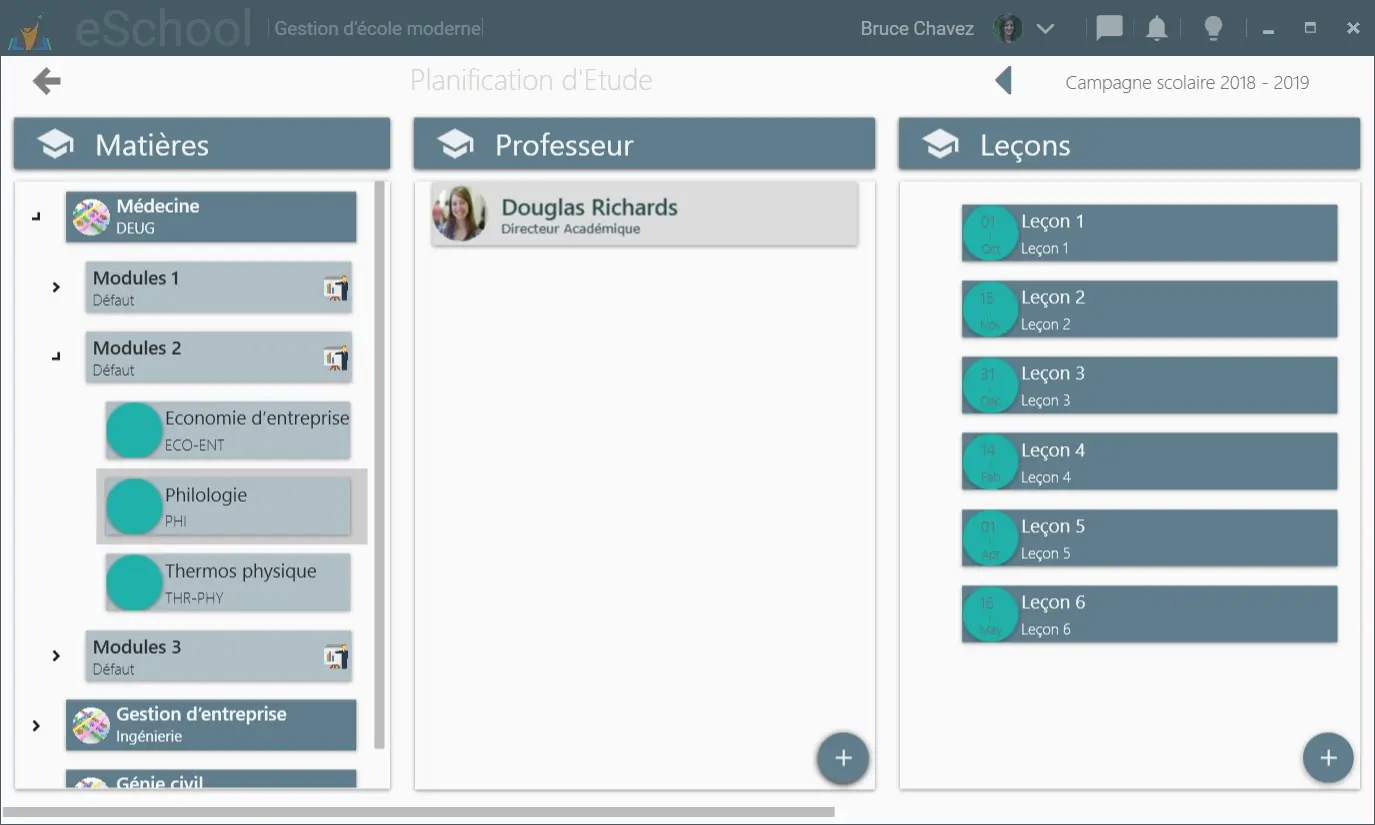
Study Plan
Section titled “Study Plan”Click Study Plan to assign teachers and lessons to subjects.
Teachers
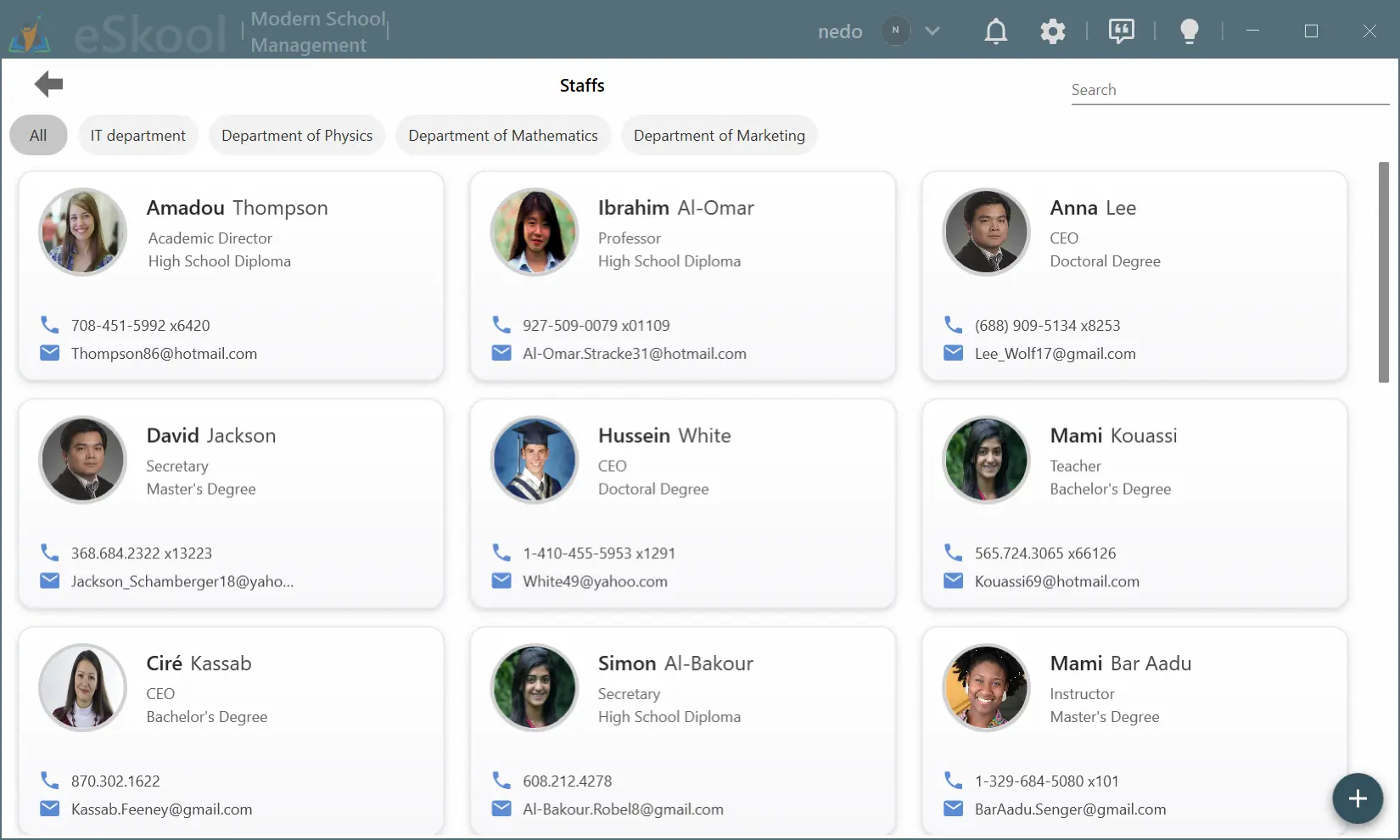
Section titled “Teachers”Click Staffs to register teachers, assign subjects, and track attendance.