

Download Documents
Get the files your school has shared with you online.
- Need your enrollment certificate? Download it yourself
- No more coming to the office for documents
- All the files your school has filed for you, in one place
How to Download Documents
Section titled “How to Download Documents”- Log in to the Luwal web portal.
- Open your documents:
- On a computer – Click Study > Files.
- On a phone – Tap the menu button, then Documents.
- Open a file to view it, or download it. On a phone, tap the Download button next to the file.
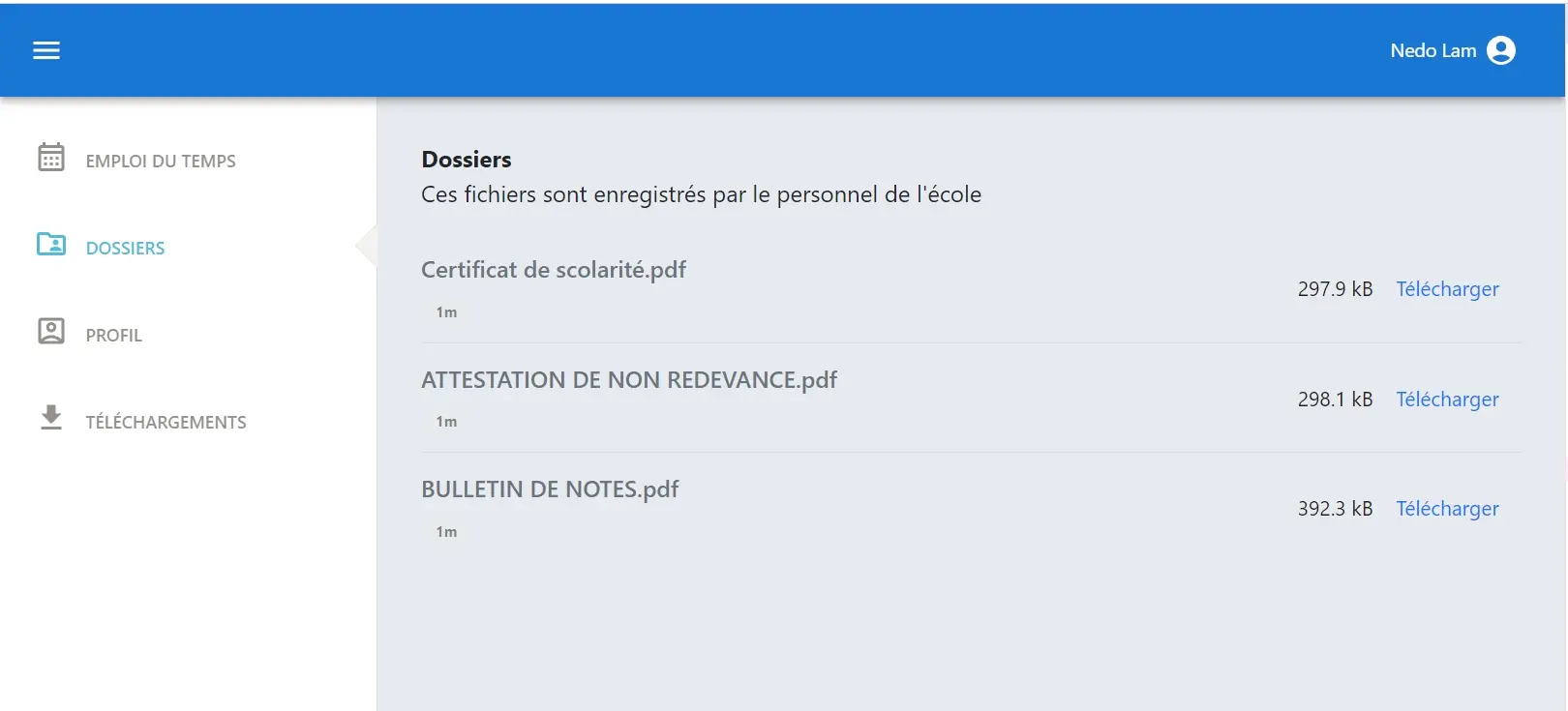
These files are read-only: only the school can add or remove them.