

Connect Desktop to Cloud
Switch your Luwal desktop app to Luwal Cloud, so it works on the same data as the online portal.
- Work on your desktop, access data from anywhere
- The desktop and the portal share the same data
- Do this once and the portal just works
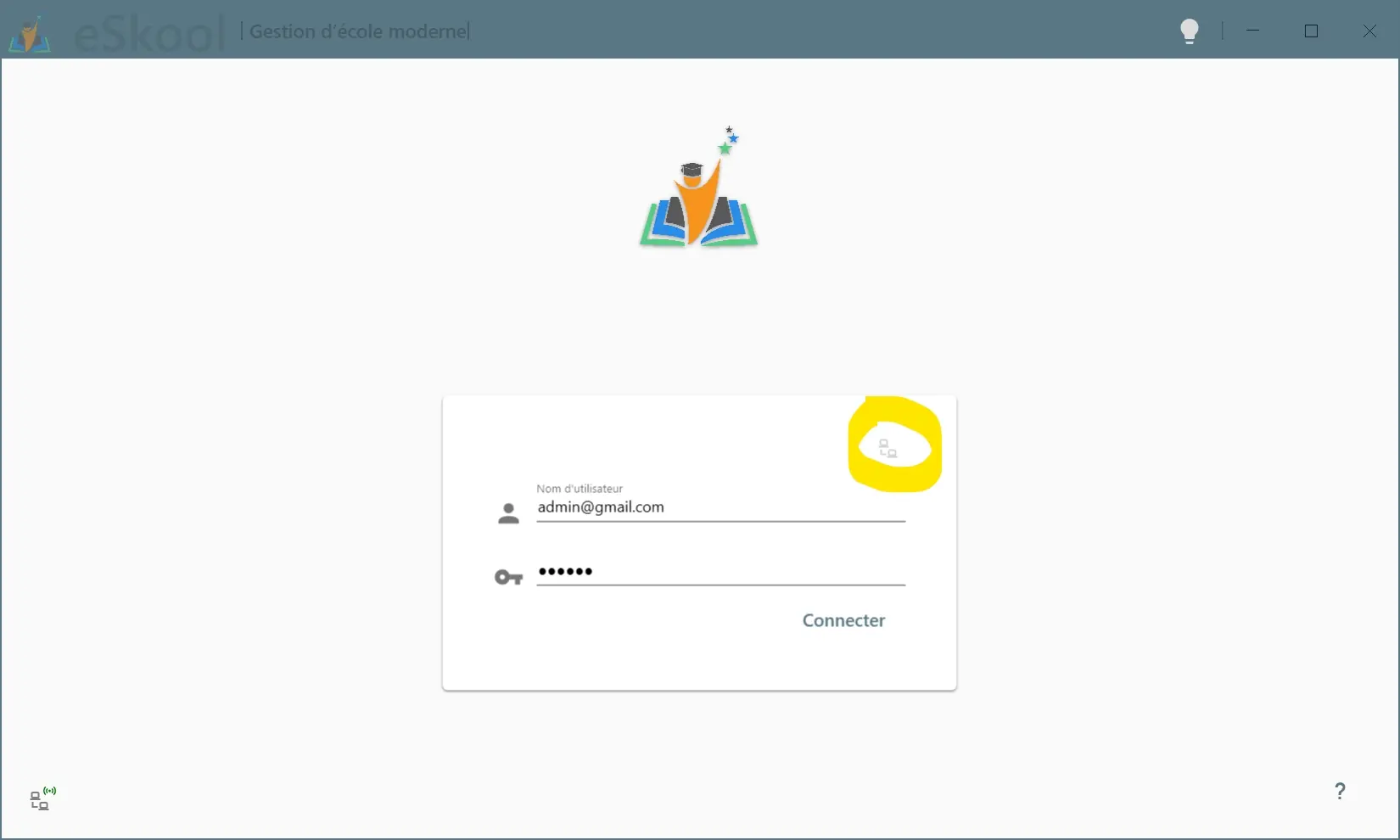
1. Open Server Selection
Section titled “1. Open Server Selection”On the Luwal login screen, click the server button (Luwal Server) to open Servers.
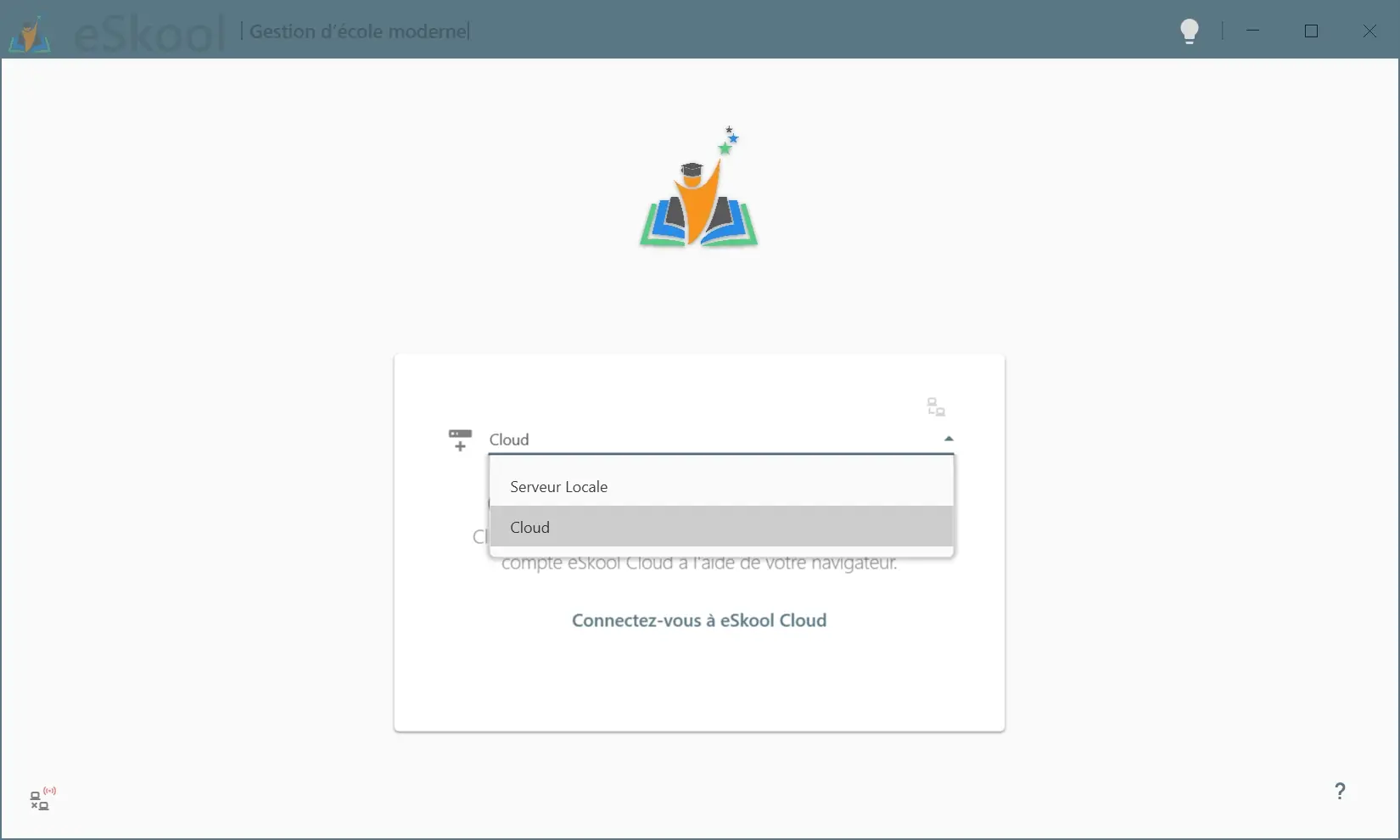
2. Select Cloud
Section titled “2. Select Cloud”Choose the server marked Cloud Server. The login screen changes to Connect to Luwal Cloud. Click Login to Luwal Cloud — this opens your browser.
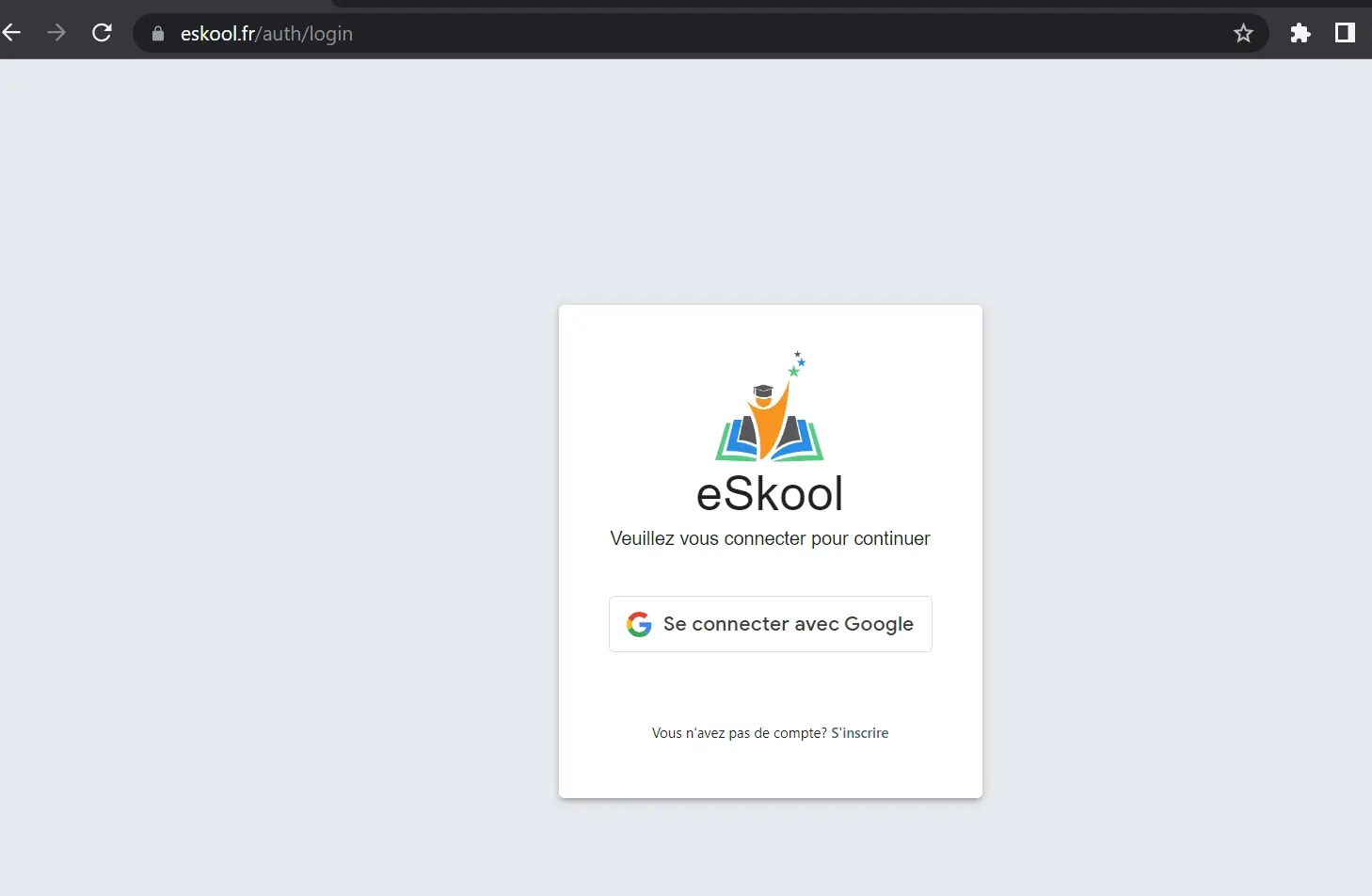
3. Log In
Section titled “3. Log In”Log in to the Luwal web portal with your account.
4. Confirm
Section titled “4. Confirm”The portal opens the Connect the desktop app page. Click Login as Luwal Cloud, then let your browser open Luwal.
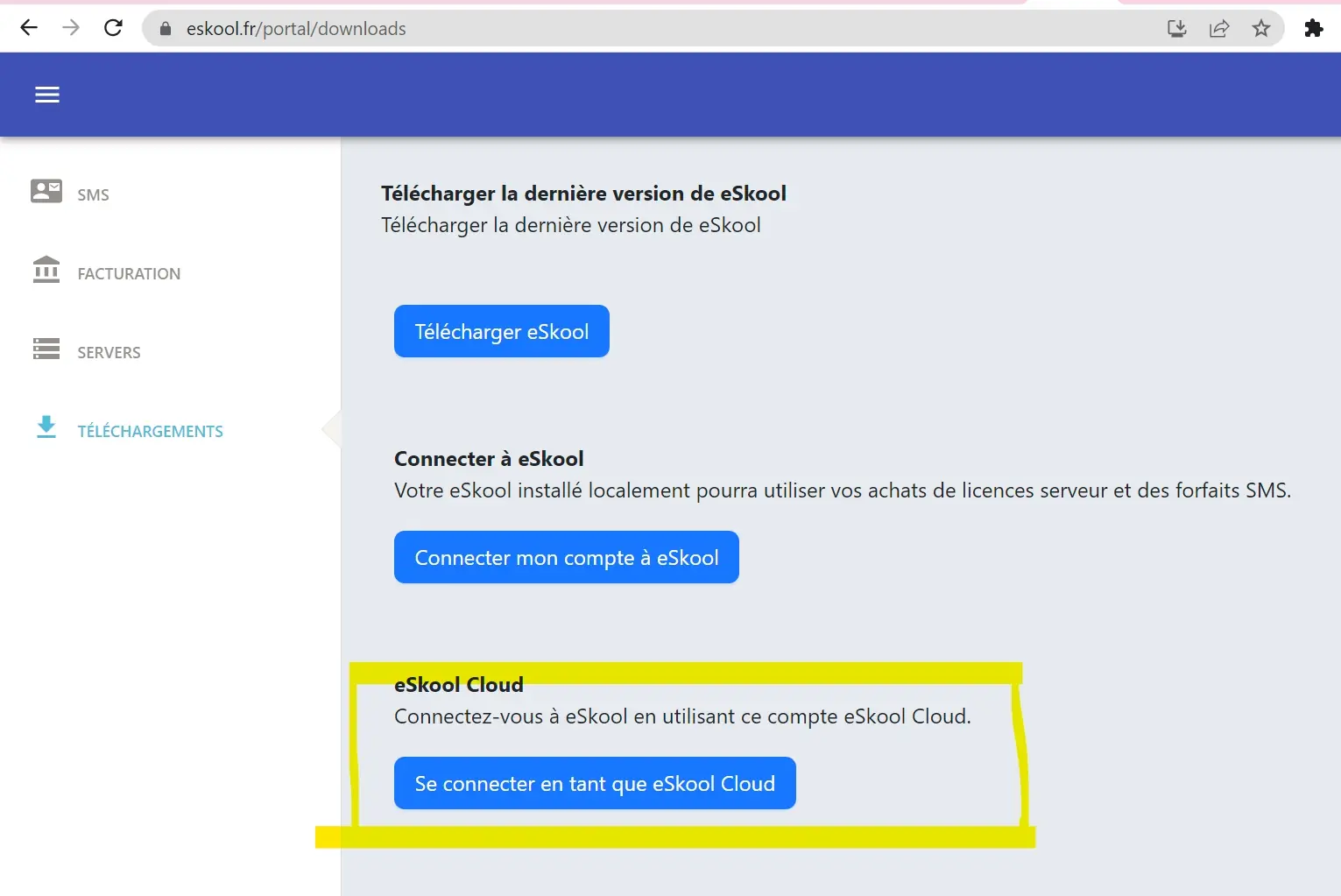
Luwal switches to the cloud server and signs you in. Your app is now connected.