

View Grades
Check exam scores and homework grades online.
- See grades as soon as teachers enter them
- Track progress throughout the year
- No more waiting for report card day
How to View Grades
Section titled “How to View Grades”- Log in to the Luwal web portal.
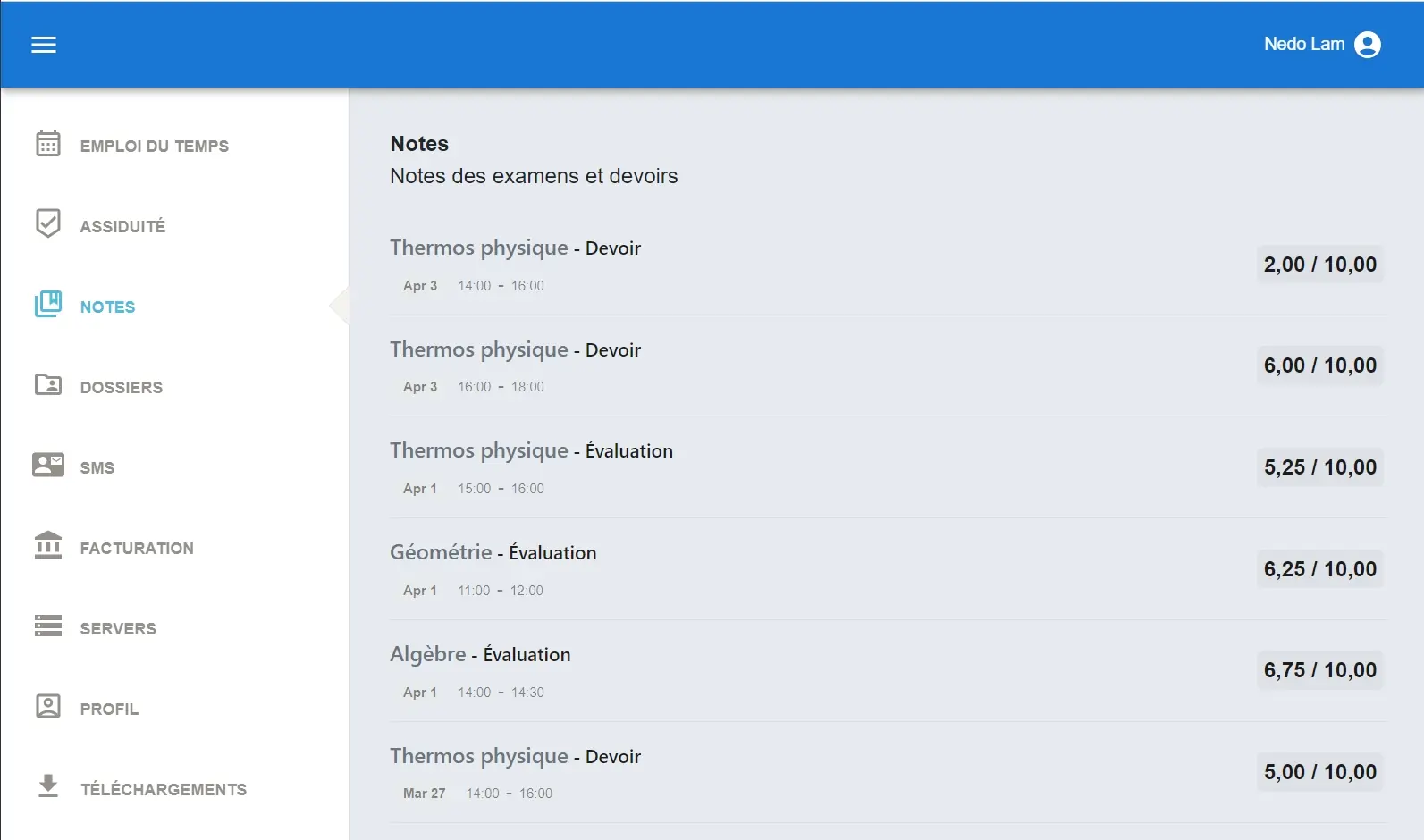
- Open your marks:
- On a computer – Click Study > Marks.
- On a phone – Tap the menu button, then Marks.
- See your Average at the top, then every mark. On a phone, your Rank shows under the average when the school provides it.
The average is calculated by your school, using each mark’s weight and your school’s grading scale (for example, out of 20 or in letters).