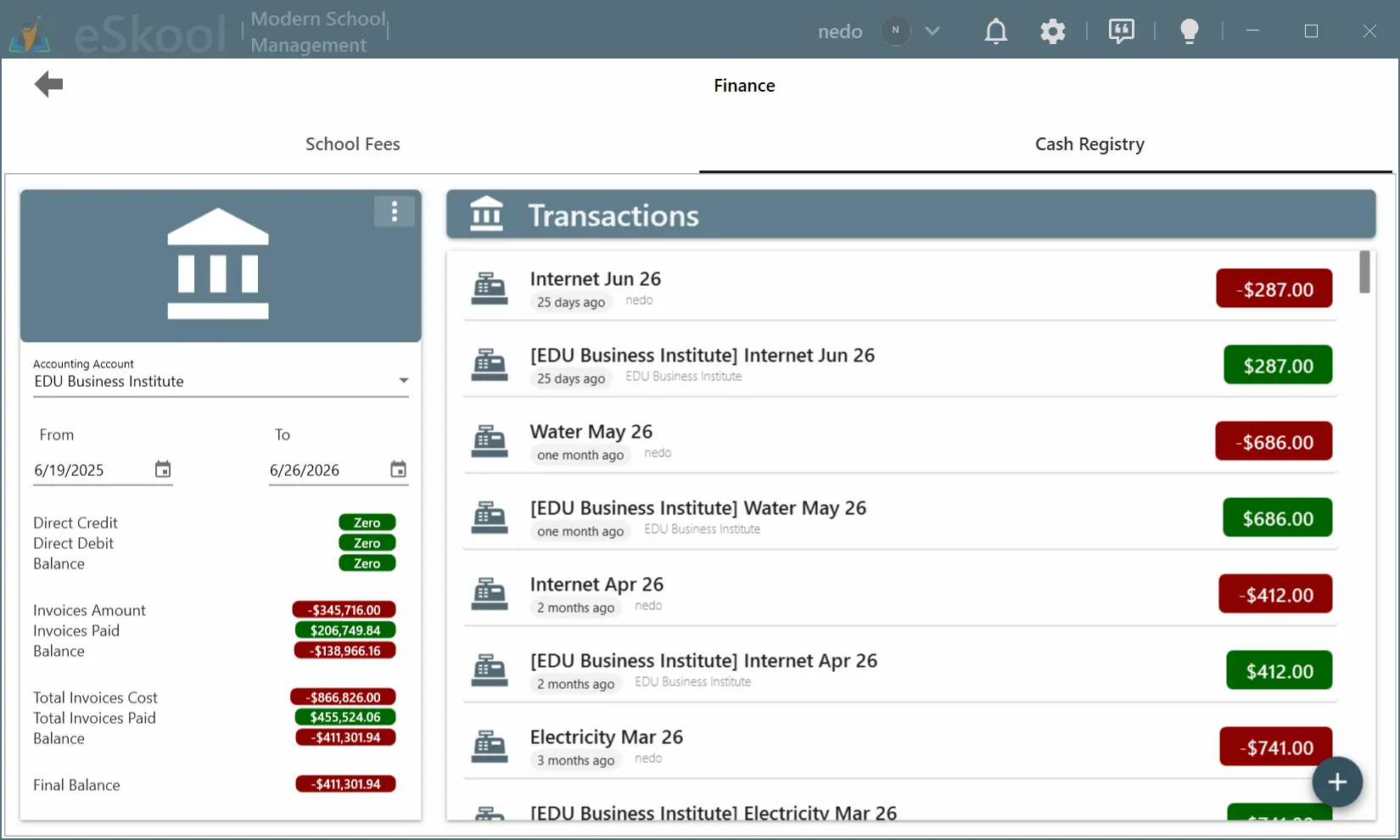
Bursar
Manage school finances, collect fees, and track payments.
- All financial tasks, nothing else
- Collect tuition, log expenses, print receipts
- No access to grades or academic settings
In Luwal, this is the Accountant Space. It opens straight on the Finance page.
What You Can Do
Section titled “What You Can Do”School Fees
Section titled “School Fees”View and collect student payments on the School Fees tab.
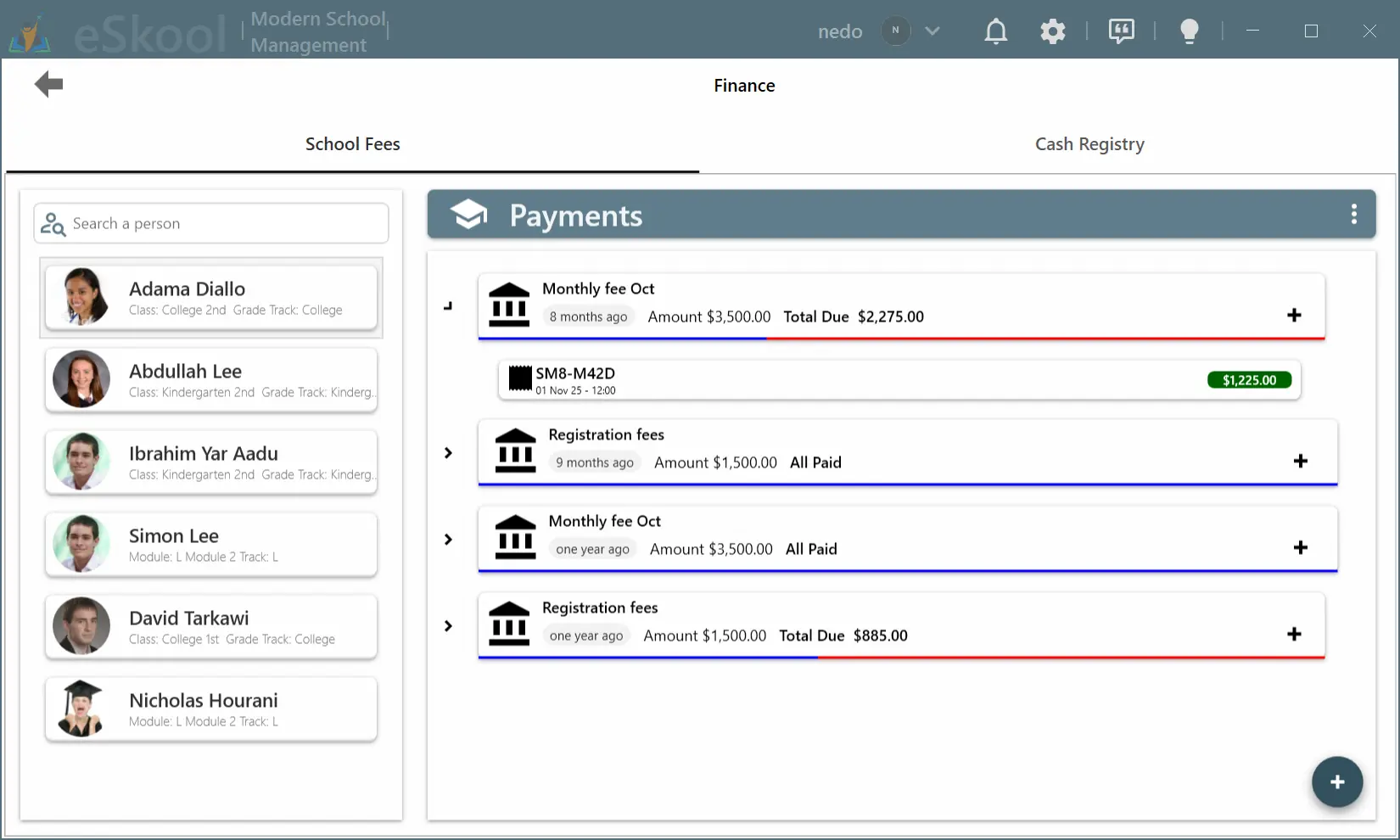
Cash Desk
Section titled “Cash Desk”Record expenses and other revenue on the Cash Desk tab.