

Enter Grades
Record grades for exams and assignments.
- Grades go straight into each student’s record
- They appear on report cards automatically
- Students and parents can see results as soon as you enter them
1. Select the Exam or Assignment
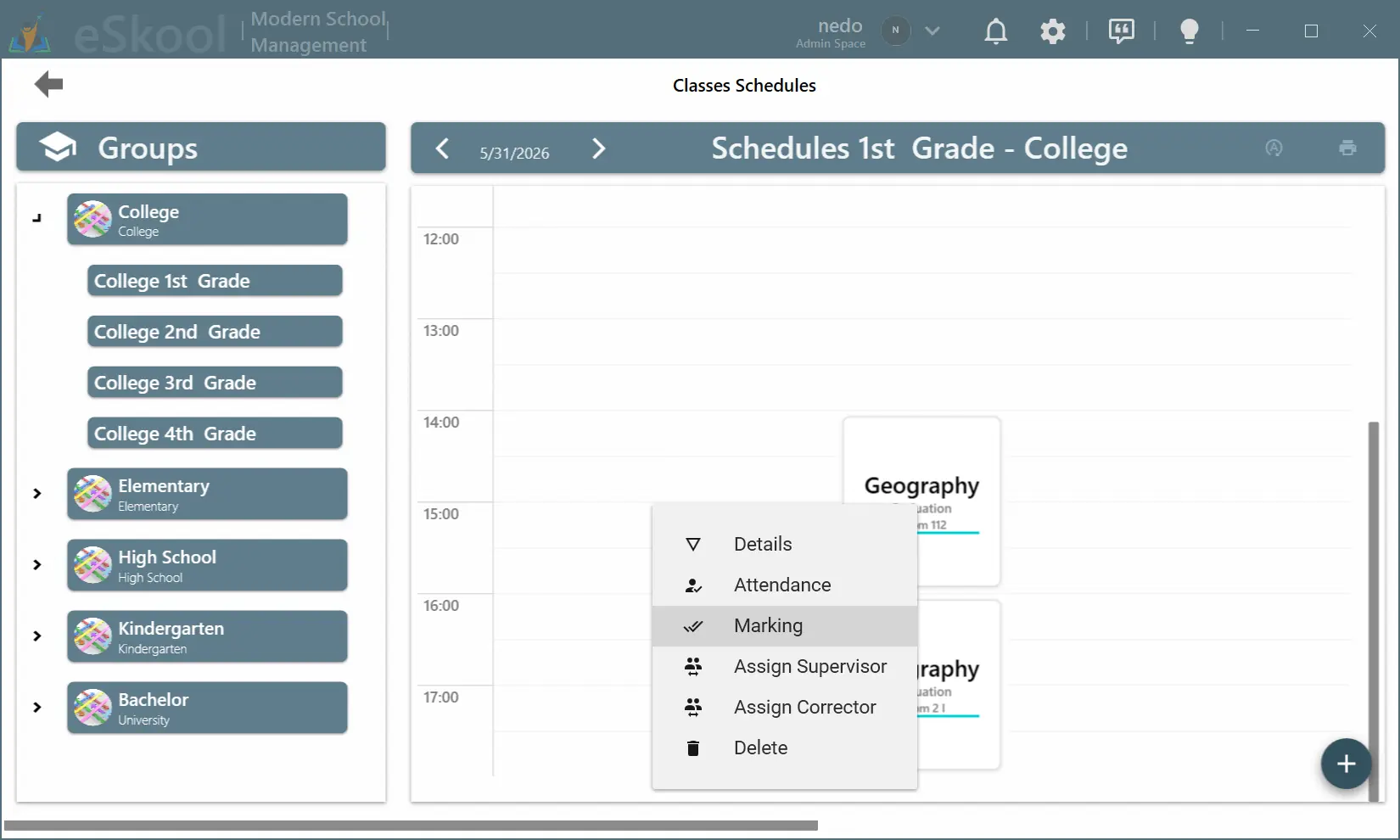
Section titled “1. Select the Exam or Assignment”From the main dashboard, click Timetable. In Groups, select the class. In the timetable, right-click the exam or assignment and select Marking.
Marking appears only once the session has started, and only for graded activities.
2. Enter Grades
Section titled “2. Enter Grades”For each student, enter the grade and, if you wish, a comment in Appreciation.
3. Done
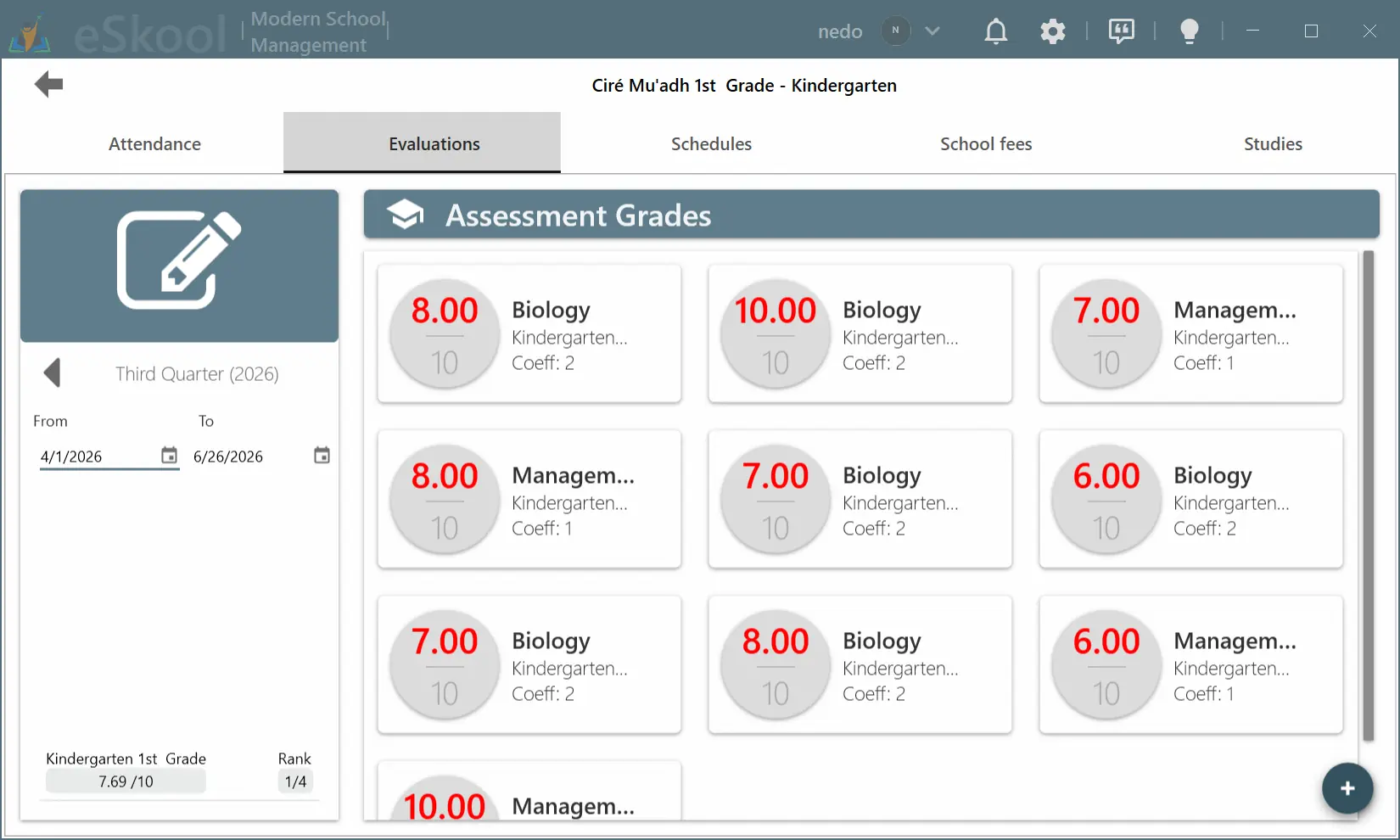
Section titled “3. Done”There is no Save button: Luwal saves each grade as you type it. Grades are added to each student’s record (the Evaluations tab) and appear on report cards.