Administrator
Full access to all Luwal features, including user management and system settings.
- See and do everything—no restrictions
- Create accounts, manage staff, change school settings
- For IT staff or whoever runs the whole system
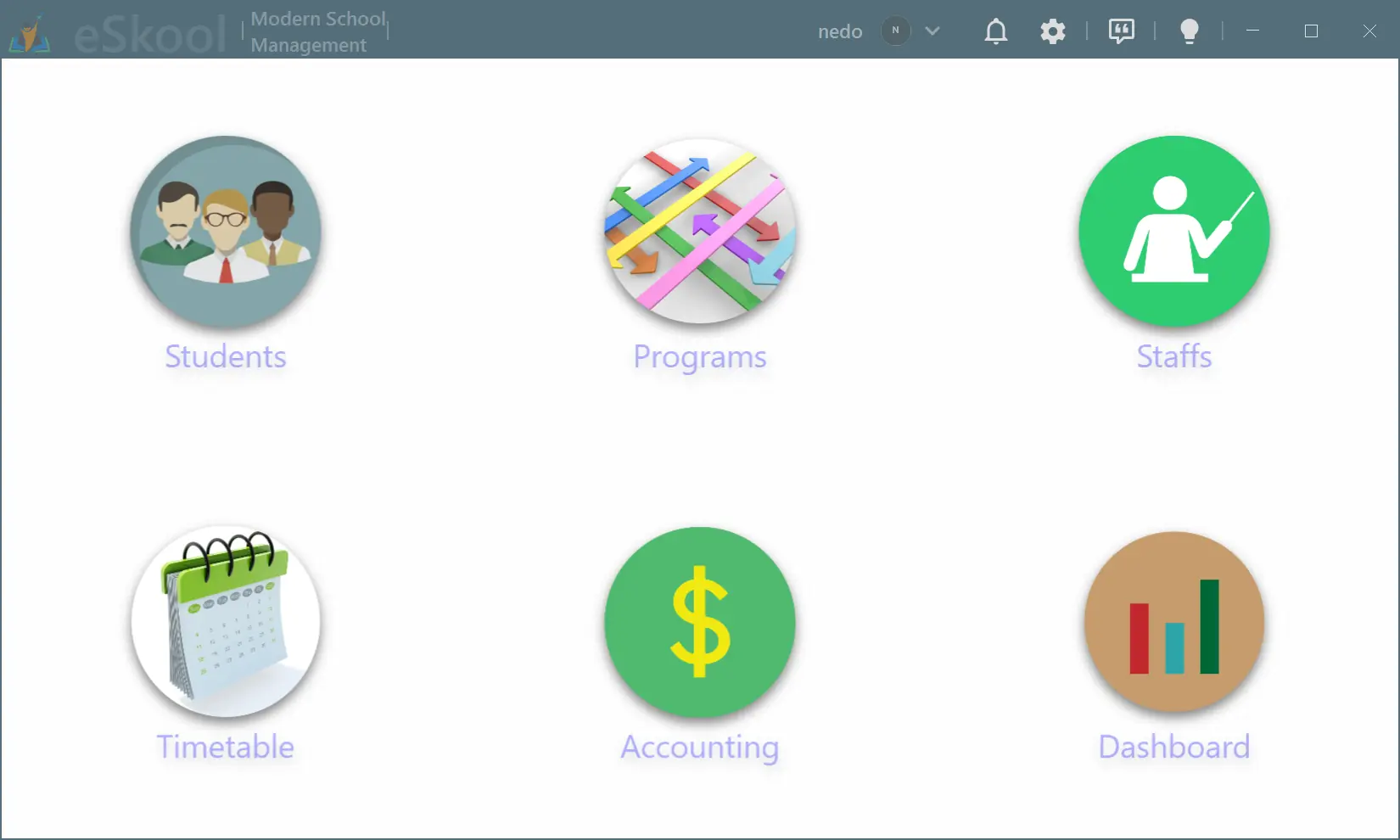
In Luwal, this is the Admin Space.
What You Can Do
Section titled “What You Can Do”Manage Users
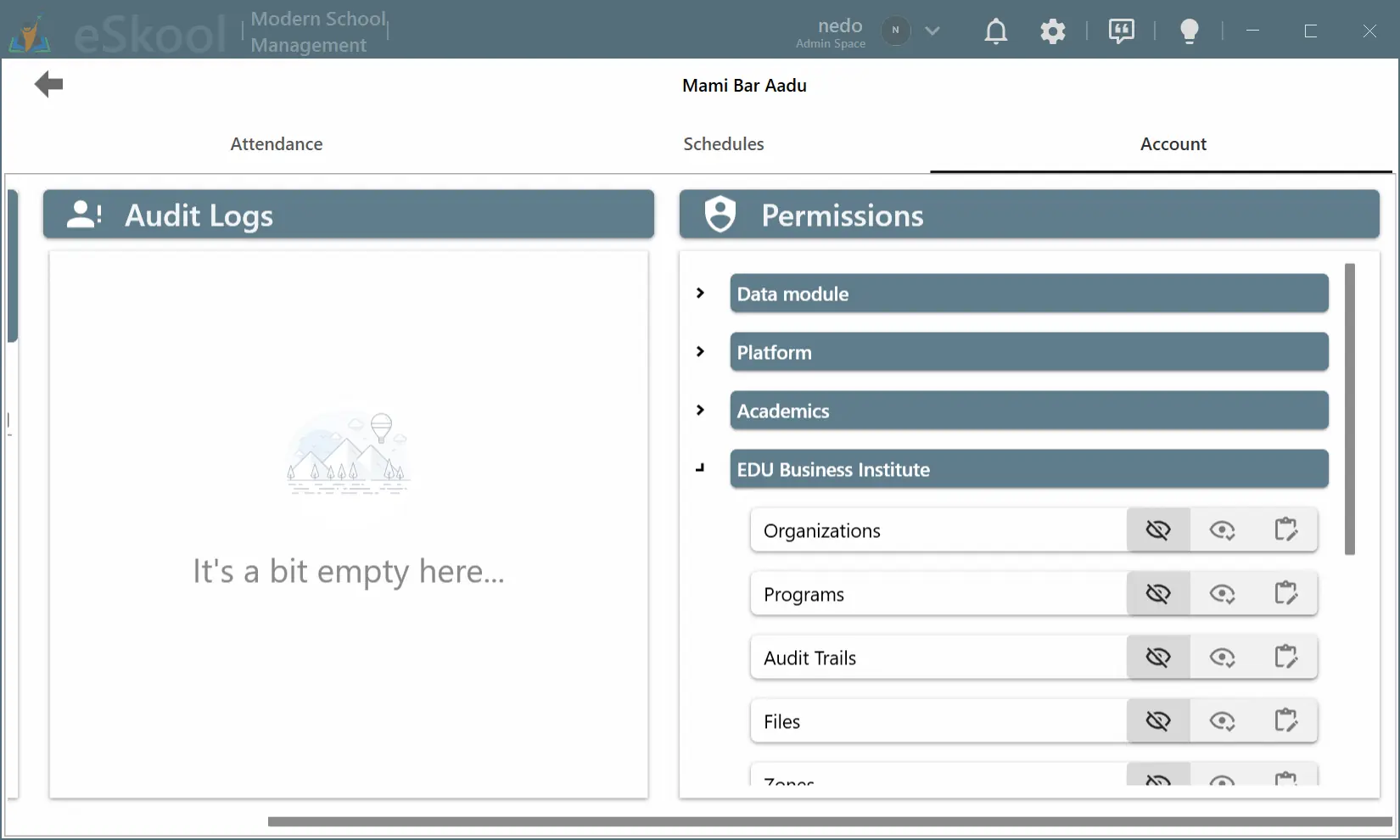
Section titled “Manage Users”Activate logins and set permissions for all staff—teachers, secretaries, bursars, and administrators. See User Accounts.
Manage Staff
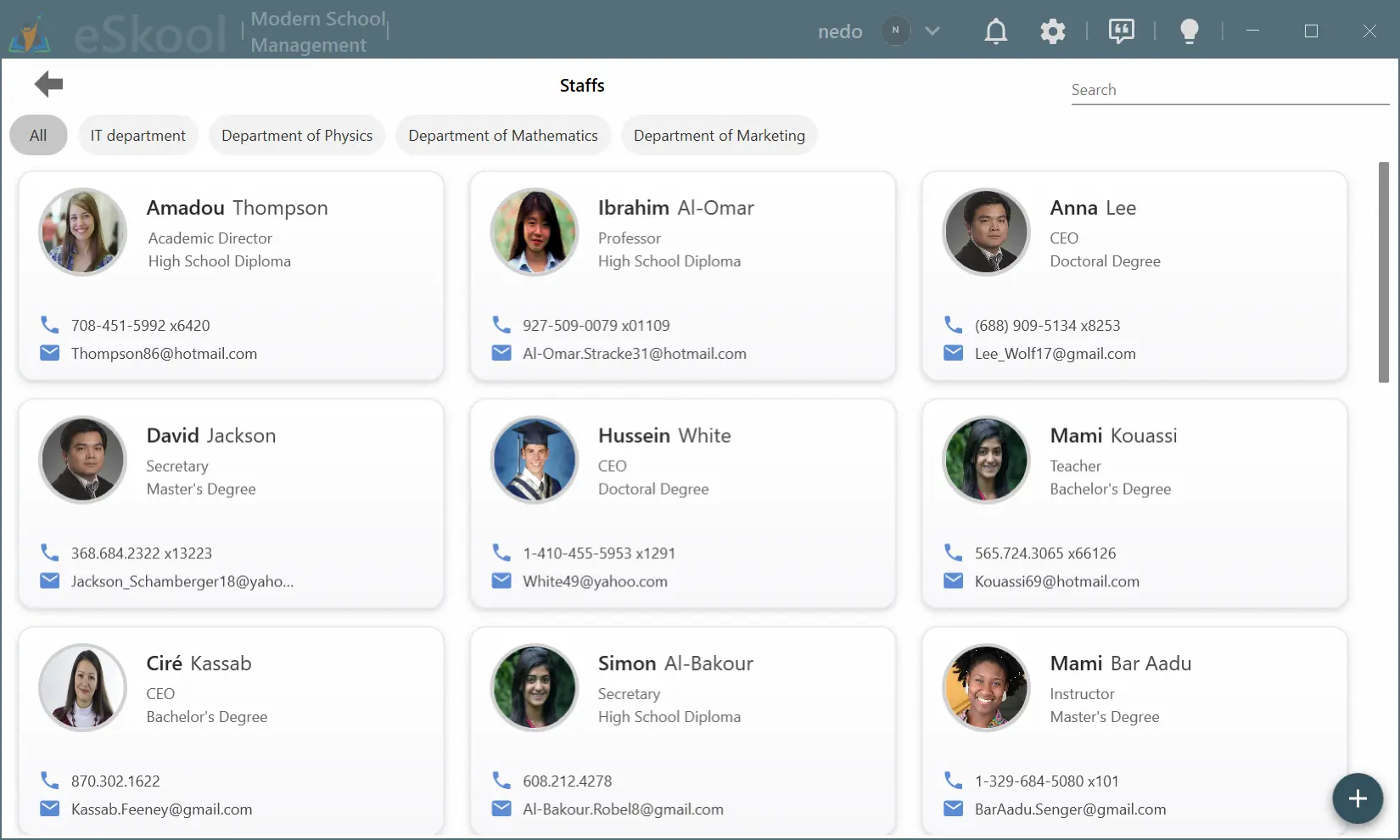
Section titled “Manage Staff”Click Staffs to add, edit, and view all teachers and staff members.
School Settings
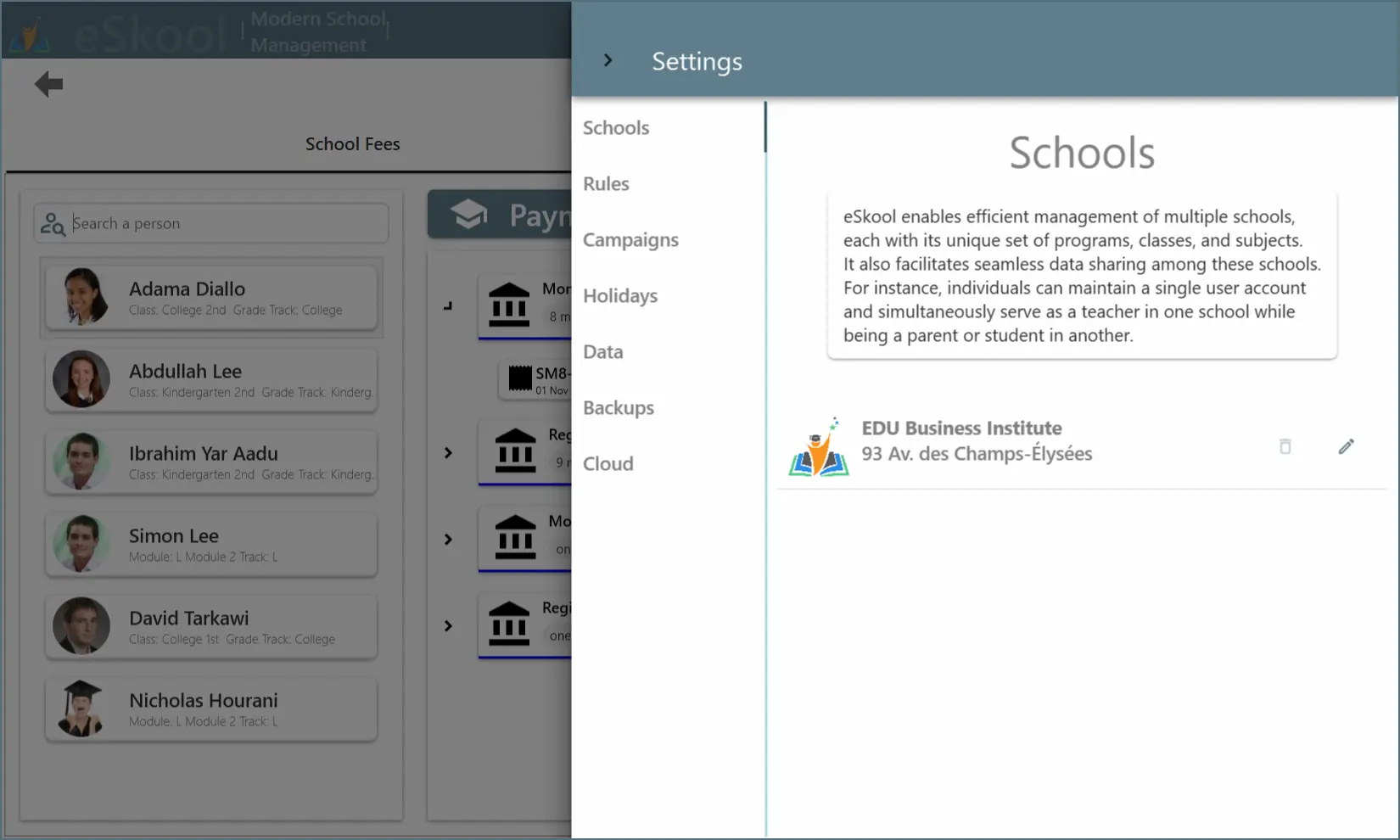
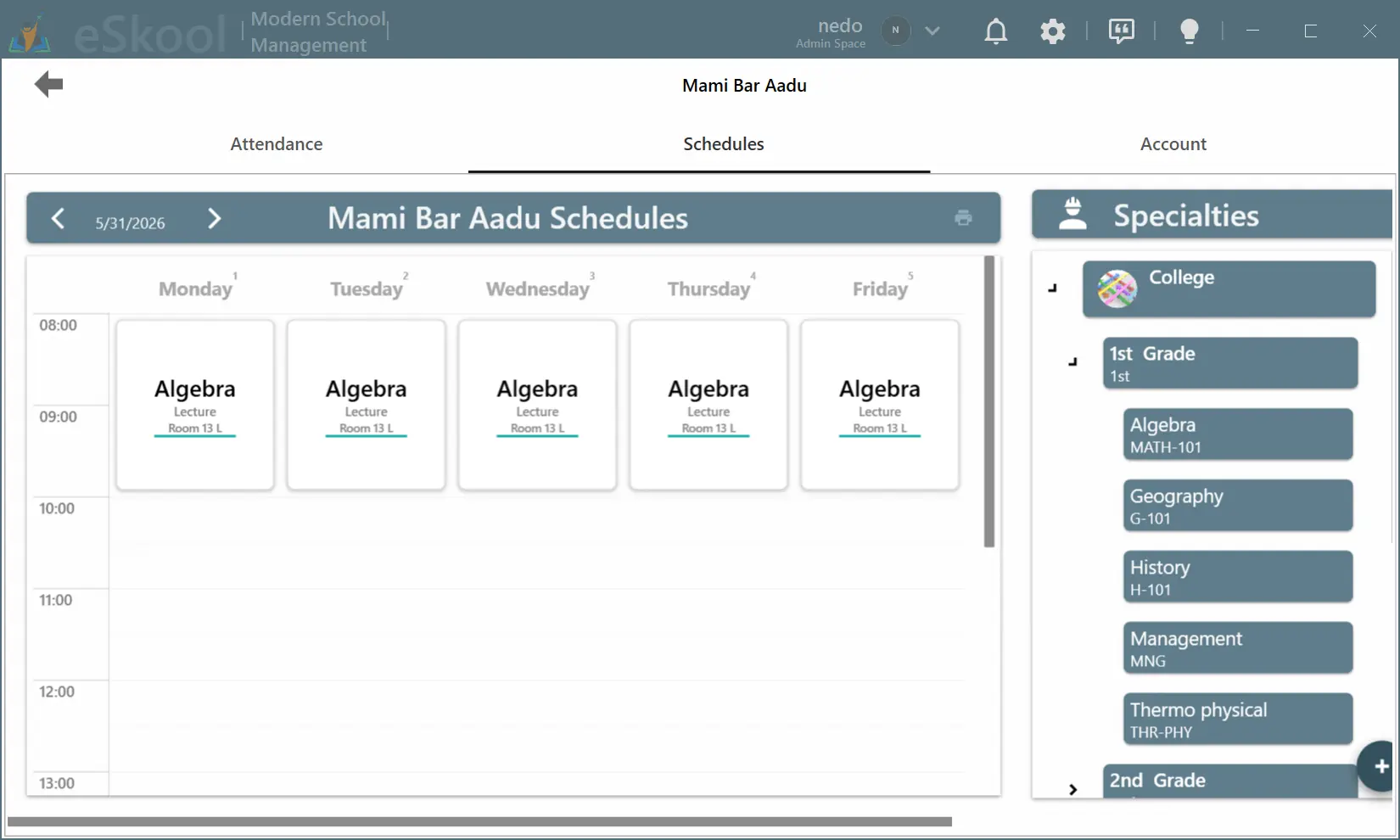
Section titled “School Settings”Click the Settings (gear) icon, then the Schools tab, to update the school’s details and document header.