

View Attendance
Check absence and late arrival records online.
- See every time a student was marked absent or late
- Parents can check without waiting for a report
- Catch mistakes before they cause problems
How to View Attendance
Section titled “How to View Attendance”- Log in to the Luwal web portal.
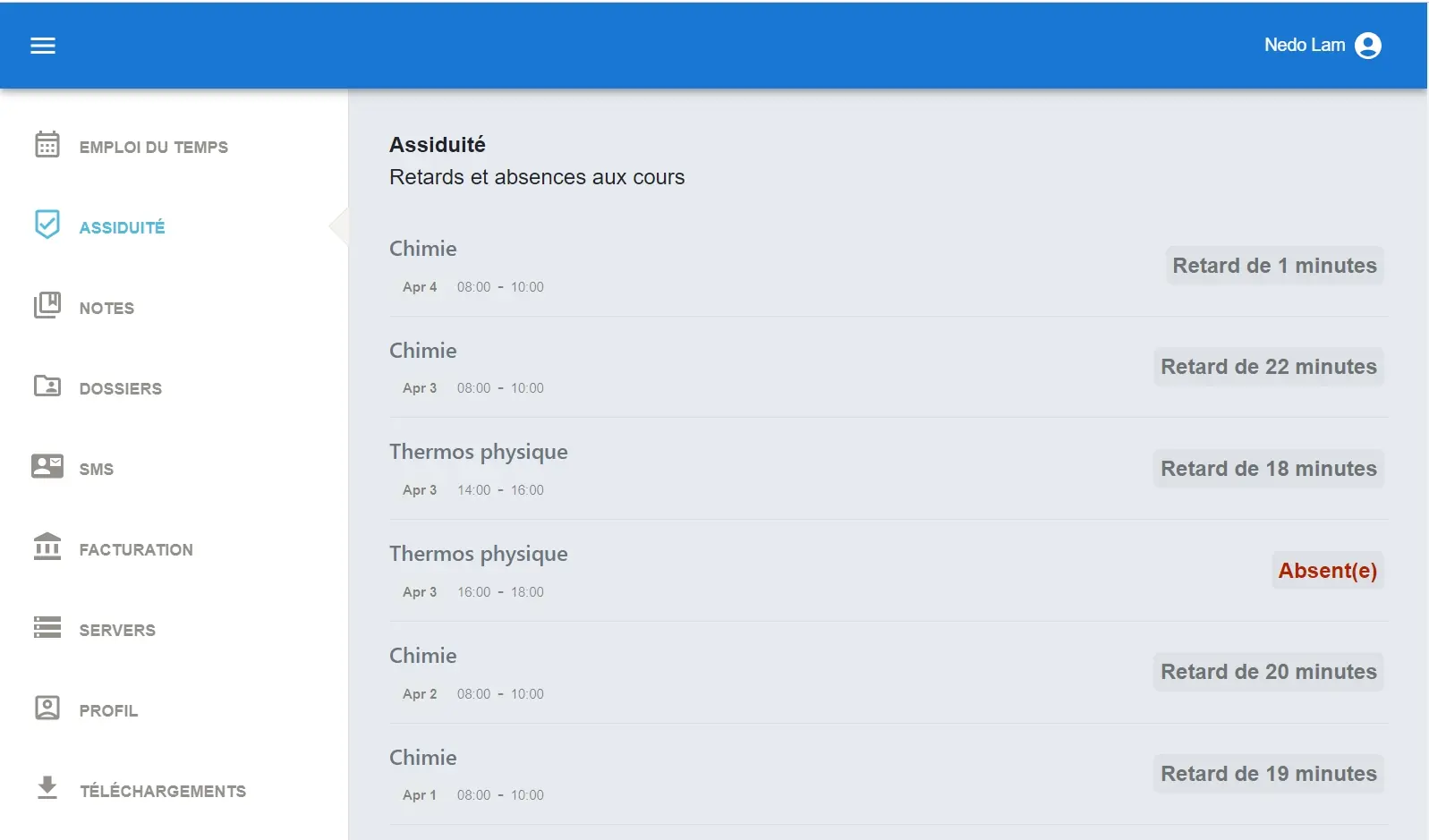
- Open attendance:
- On a computer – Click Study > Attendance.
- On a phone – Tap the menu button, then Attendance.
- See the number of Absences and Late arrivals, then each record. Absences the school has excused are marked Excused.
If you don’t see Study, your account isn’t tied to a student record yet — see Before You Start.