

Export Students
Download student lists as PDF or Excel files.
- Create reports for external use
- Back up your data or share with other systems
- Choose PDF for printing, Excel for analysis
1. Open Students
Section titled “1. Open Students”From the main dashboard, click Students.
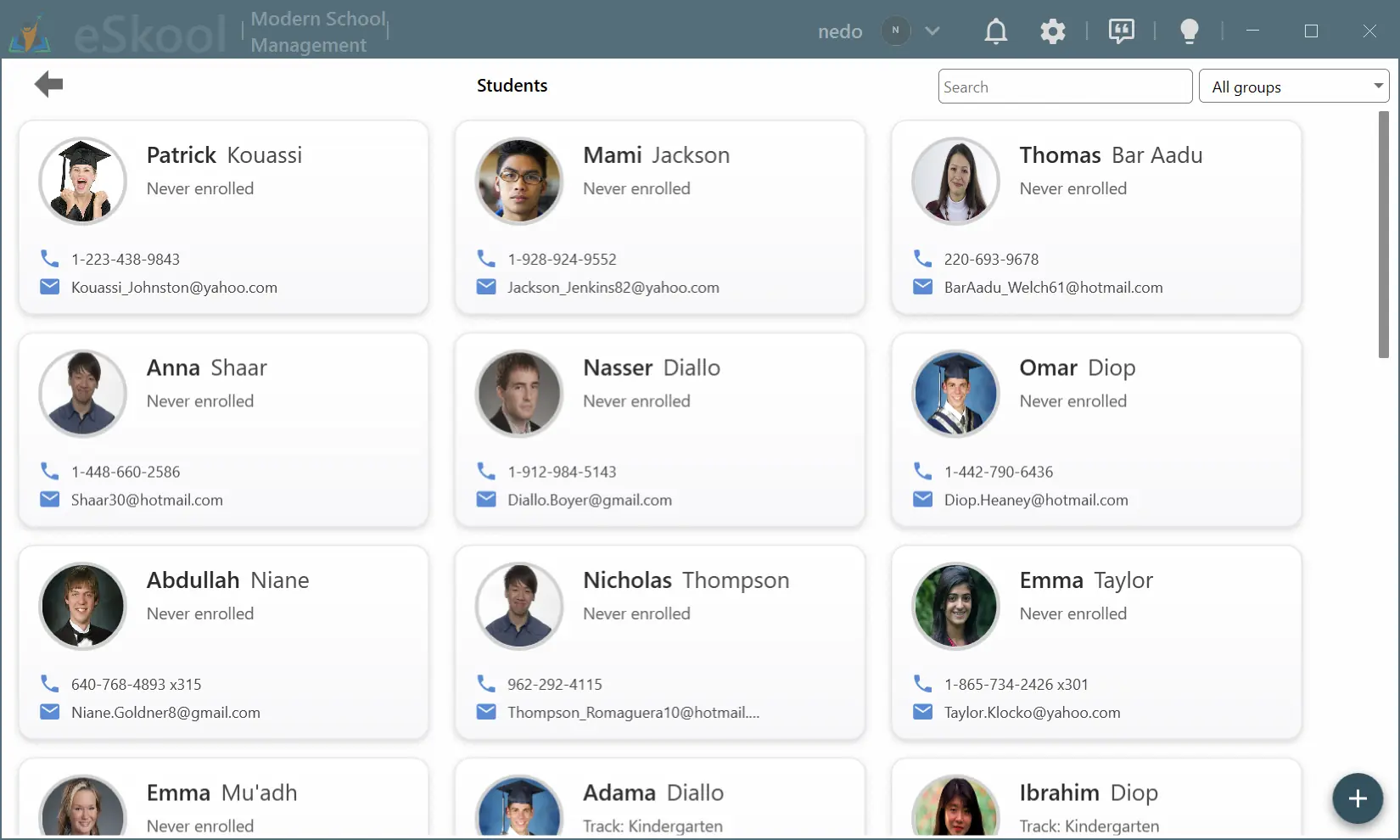
The export contains the students currently listed. To export fewer, filter the list first with the search box or the group selector at the top.
2. Export the List
Section titled “2. Export the List”Click the plus icon (+) at the bottom right, then click Export Students to PDF or Excel. Choose your format:
- Pdf – Best for printing
- Excel – Best for data analysis
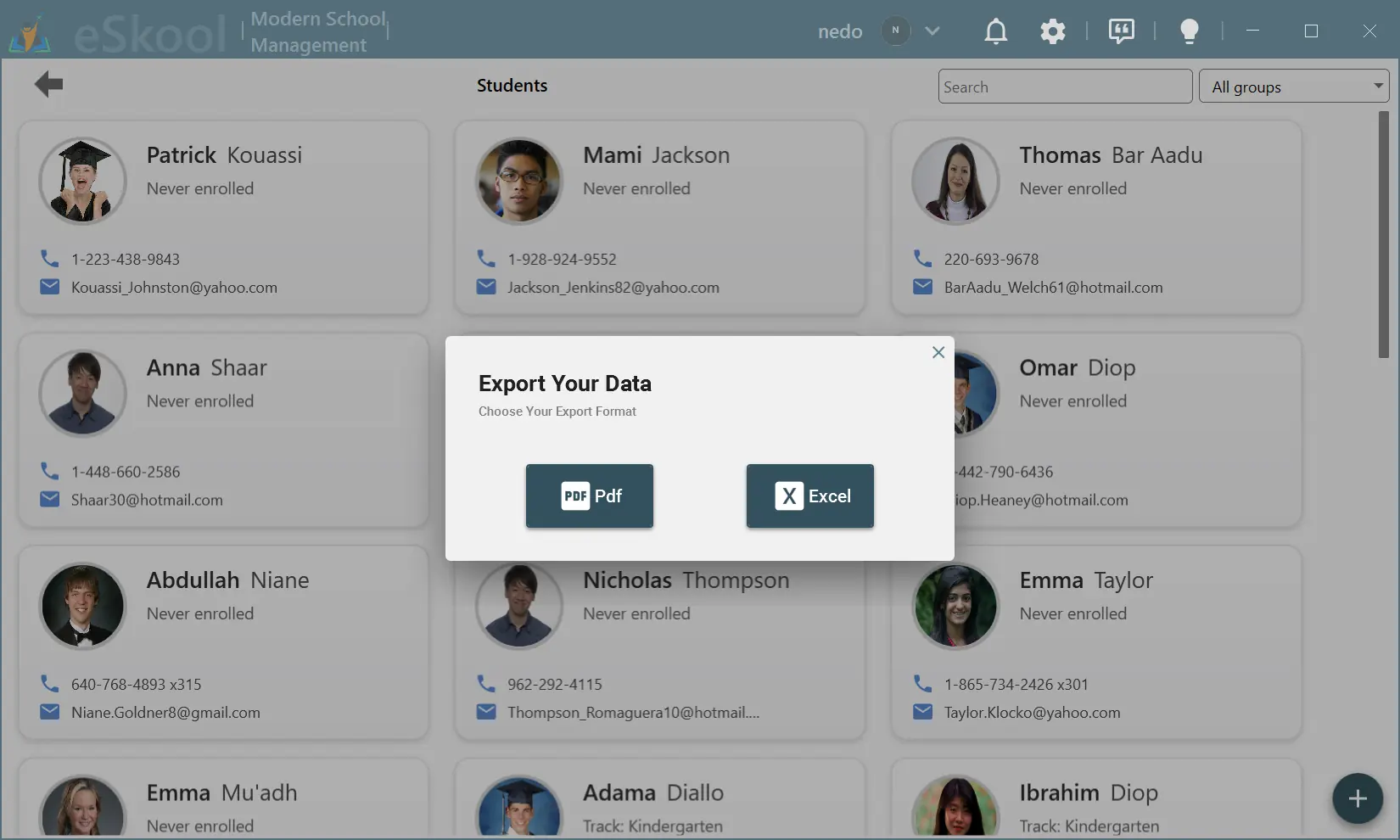
Luwal generates the file.
- To export the students of one class only, open the class from Programs and use the same button in its student list.