

SMS FAQ
Common questions about the SMS service.
How do I set up SMS?
Section titled “How do I set up SMS?”See the SMS Messaging guide for complete setup steps.
Can recipients reply to messages?
Section titled “Can recipients reply to messages?”No. SMS is one-way only. If you need a response, include a phone number or email in your message.
What should I use SMS for?
Section titled “What should I use SMS for?”- Notify parents of absences, tardiness, or discipline issues
- Announce schedule or room changes
- Broadcast school closures or emergency information
Who can send SMS?
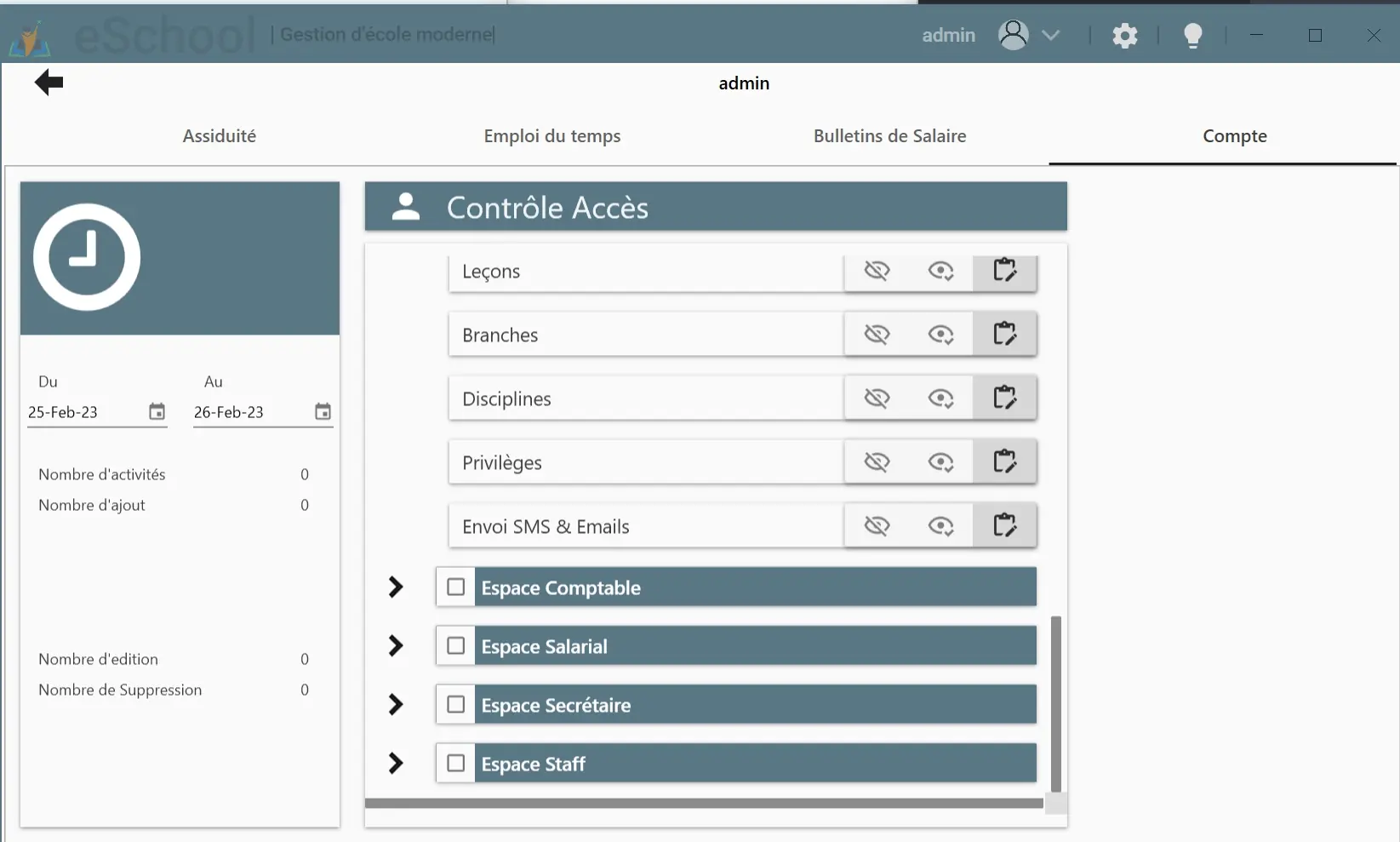
Section titled “Who can send SMS?”Only staff with the Send SMS & Email role. Administrators assign this in user permissions.
How much do credits cost?
Section titled “How much do credits cost?”Prices vary by destination country and package size. For current prices, open Products > SMS in the web portal and click See prices. See Buy SMS Credits.
How do I check that SMS works?
Section titled “How do I check that SMS works?”On the portal’s Sms Service page, click the paper-plane button (Send a test SMS to myself). The test goes to the phone number on your own account, so add one first.
Where do I see what was delivered?
Section titled “Where do I see what was delivered?”The Sms Service page lists every send under Delivery History. Click a send to see each recipient and whether their message was delivered or failed.