

Coursework
Post lessons, set work, mark it, and talk to the class — all online, in the same place students go to hand it in.
- Teachers publish material and assignments without printing anything
- Students see what is due, hand in from any device, and get their grade back
- Marks go straight into the gradebook, so nothing is copied twice
Where to Find It
Section titled “Where to Find It”Click Learning in the menu on the left. Every class you teach or study in is listed there. Click one to open it.
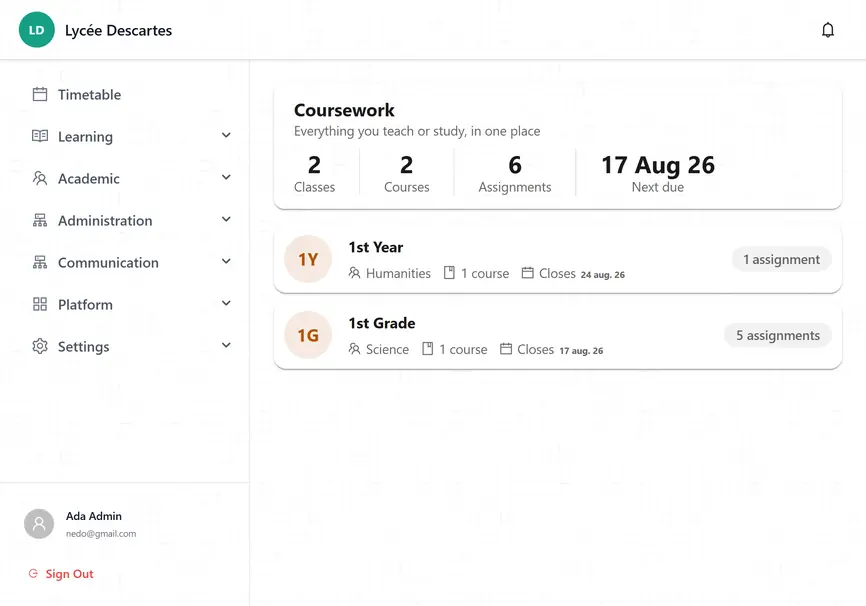
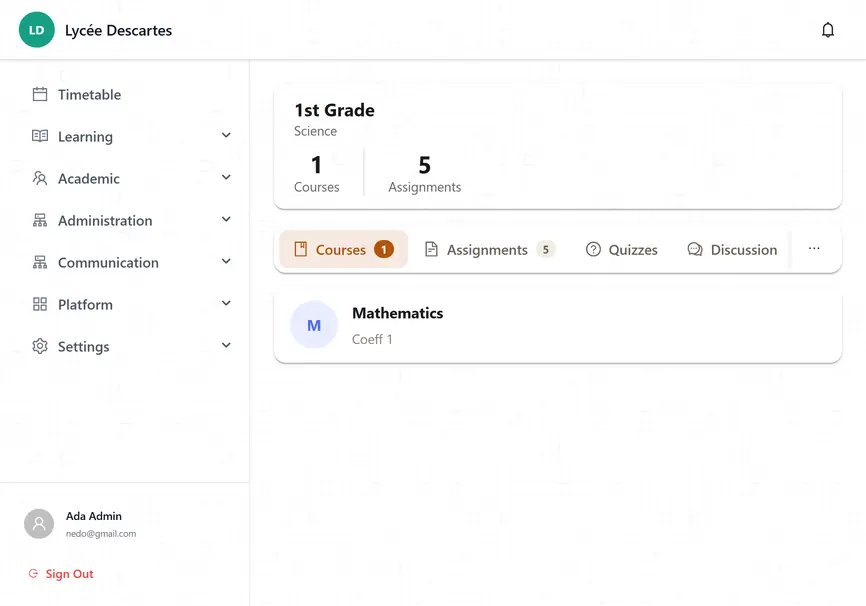
A class has its own tabs:
| Tab | What it holds |
|---|---|
| Courses | The subjects of the class, and the material posted for each |
| Assignments | Work to hand in, with the grade once it comes back |
| Quizzes | The quiz bank of the class (teachers only) |
| Discussion | One conversation for the whole class |
| Students | The class roster (teachers only) |
For Teachers
Section titled “For Teachers”- Post Course Material – Lessons, notes, links and files
- Set an Assignment – Work for the class to hand in
- Grade and Return Work – Mark it, give feedback, send it back
- Build a Quiz – Questions that mark themselves
For Students
Section titled “For Students”- Hand In an Assignment – Write, attach, submit
- Take a Quiz – Answer online and see your score
- Read Course Material – Lessons your teacher has published
For Everyone
Section titled “For Everyone”- Class Discussion – Ask a question, share a notice