

Activities
Define the kinds of activity that take place in class: lessons, exams, labs, homework.
- Every timetable slot is an activity—a lecture, a lab, a test
- Say which ones need a teacher, a room, attendance or grades
- Give each one a color to spot it on the timetable
1. Open Activities
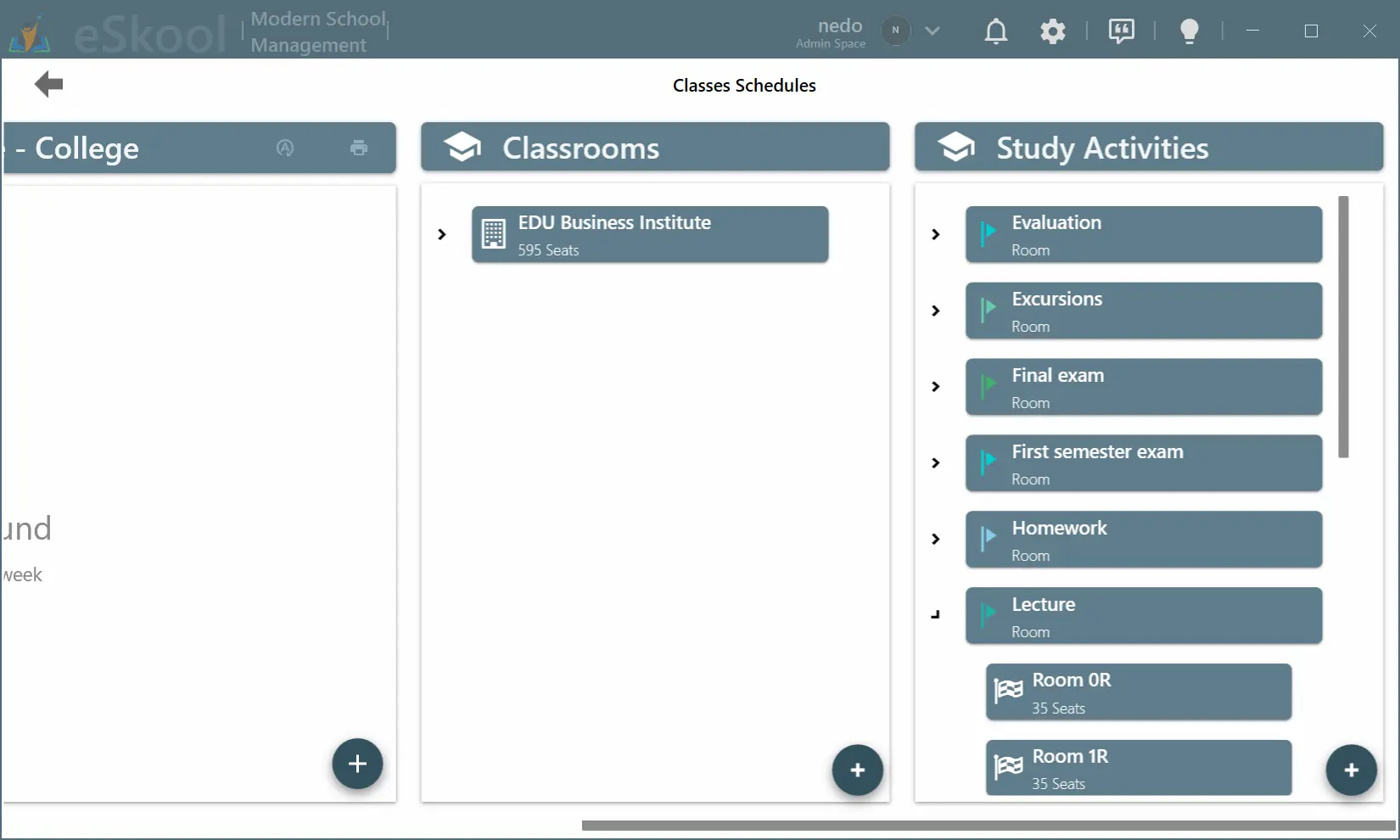
Section titled “1. Open Activities”From the home screen, click Plan and Activities. Your activities are listed in the Study Activities panel.
2. Add an Activity
Section titled “2. Add an Activity”Click the + button at the bottom right of the Study Activities panel.
3. Enter Details
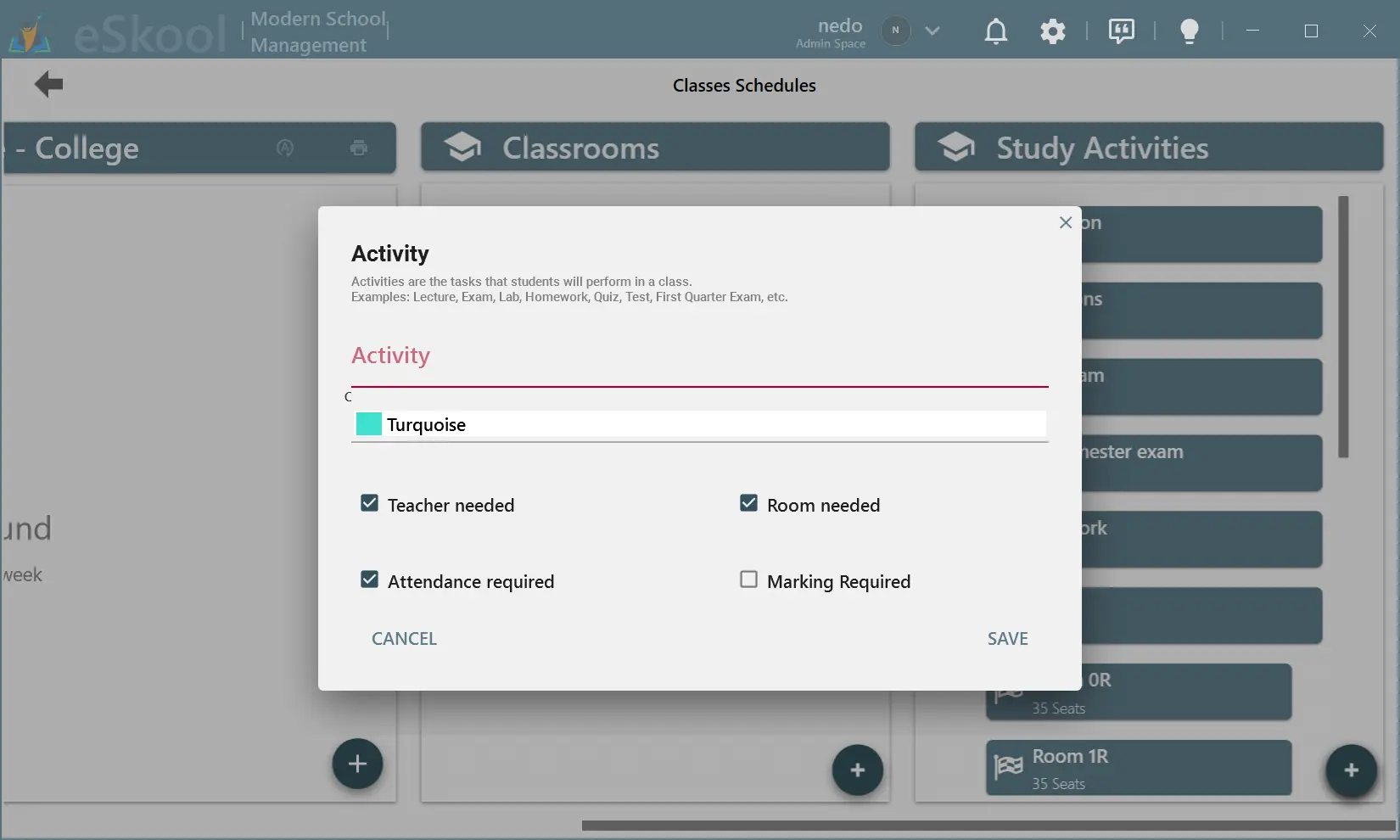
Section titled “3. Enter Details”Enter the Activity name and pick a Color. Tick what it requires: Teacher needed, Room needed, Attendance required, Marking Required. Click Save.
The activity can now be used in the timetable. To change or remove it, right-click it and select Edit or Delete.