Parent & Student Portal
Check grades, attendance, and schedules online from any device.
- Parents see how their children are doing without calling the school
- Students check their own grades and schedule anytime
- Fewer phone calls asking “what’s my balance?”
What Parents & Students Can See
Section titled “What Parents & Students Can See”- View Grades – Check marks and averages
- View Attendance – See absences and late arrivals
- View Timetable – Check the class schedule
- Download Documents – Get the files your school has shared
For Administrators
Section titled “For Administrators”- Connect Desktop to Cloud – Link Luwal desktop to the online portal
Before You Start
Section titled “Before You Start”The student needs a Luwal Cloud account tied to their student record:
- The school adds the student with their email — see Invite a Student or Link to Your School.
- The student creates an account, or accepts the invitation, with that same email.
How to Access
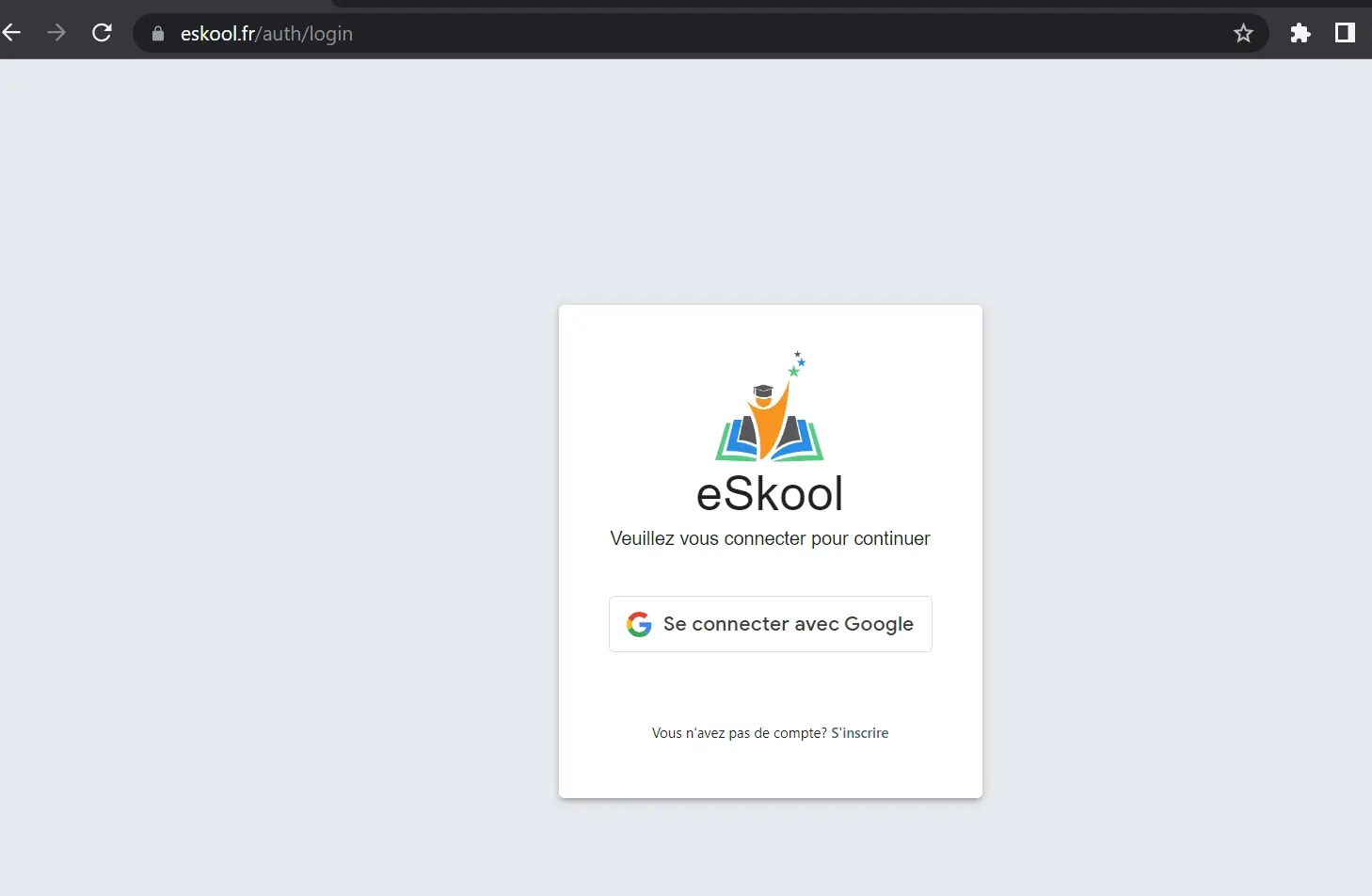
Section titled “How to Access”- Go to https://luwal.fr/login.
- Log in with your email and password, or with Google.
- Open what you need:
- On a computer – In the left menu, click Timetable, or open Study and click Attendance, Marks, or Files.
- On a phone – The portal opens in a mobile layout. Tap Timetable in the bottom bar, or tap the menu button in the top bar for Marks, Attendance, and Documents.
The Study menu (and the matching items on a phone) only appears when your account is tied to a student record.