

Create an Account
Register for Luwal Cloud to use the online portal.
- This is how you get a login for the web portal
- Teachers, students, parents — anyone can create one
- Sign up with your email or with Google
How to Create an Account
Section titled “How to Create an Account”-
Go to https://luwal.fr/signup.
-
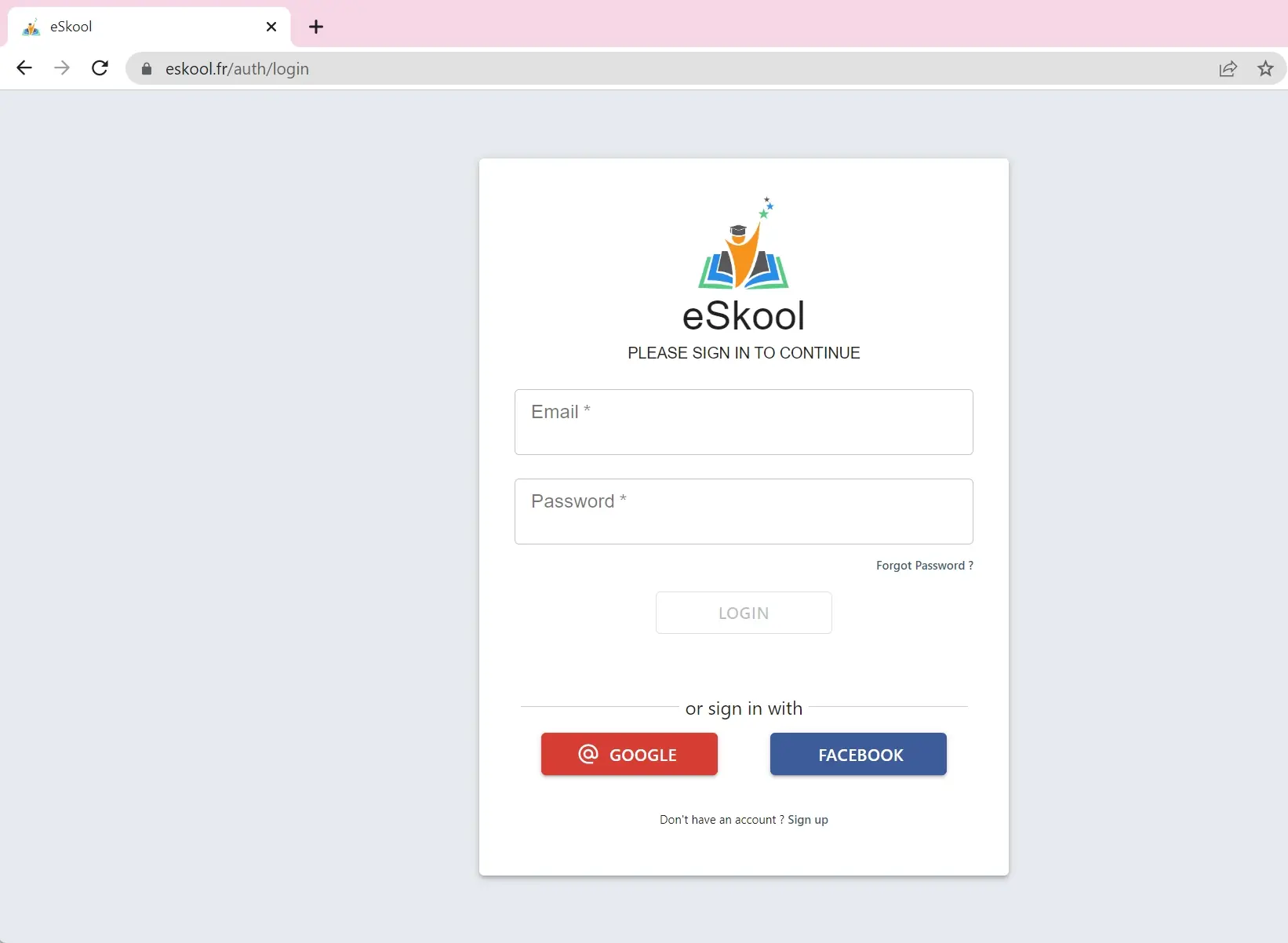
Enter your Email, a Password, and Confirm Password, then click Register. To use Google instead, go to the login page and click the Google button.
-
You are signed in and taken to the portal.
Good to Know
Section titled “Good to Know”- Use the email your school has. When your school adds you by email, sign up with that same address — you are then added to your school automatically.
- Signed up with Google? Keep logging in with the Google button. An account created with Google can’t log in with a password.
Next step: Link your account to your school.