

Staff Attendance
View a staff member’s absences and late arrivals.
- See how often each teacher is absent or late
- Compare it with their teaching load
- Excuse an absence when there is a valid reason
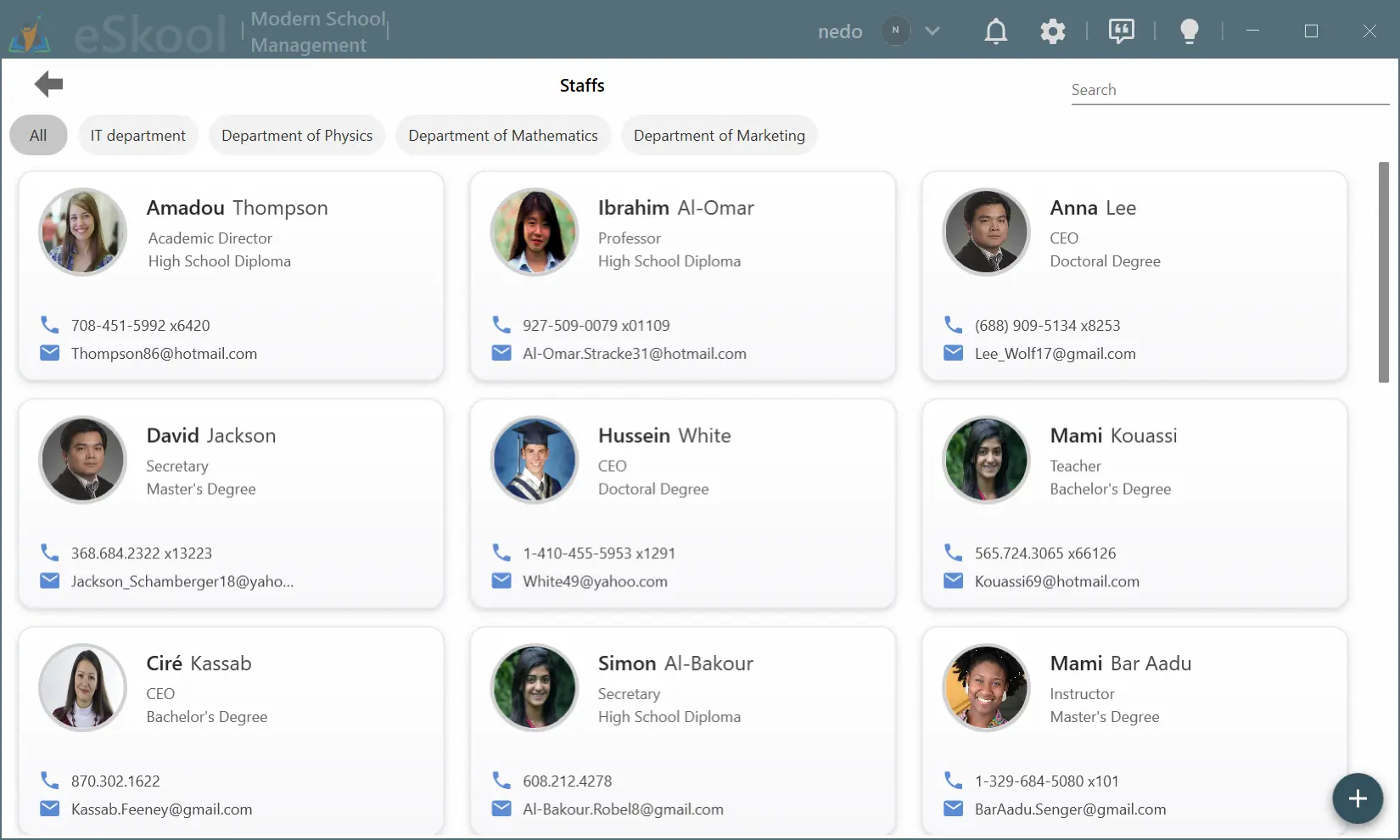
1. Open Staffs
Section titled “1. Open Staffs”From the home screen, click Staffs.
2. Open the Profile
Section titled “2. Open the Profile”Double-click the staff member. The profile opens on the Attendance tab.
3. View Attendance Records
Section titled “3. View Attendance Records”Pick a term or a date range. The summary shows the Schedule Load, Weekly Time Load, Absences Count, Absences Rate, Tardiness Count and Tardiness Rate. Each absence or late arrival is listed under Attendance Tickets.
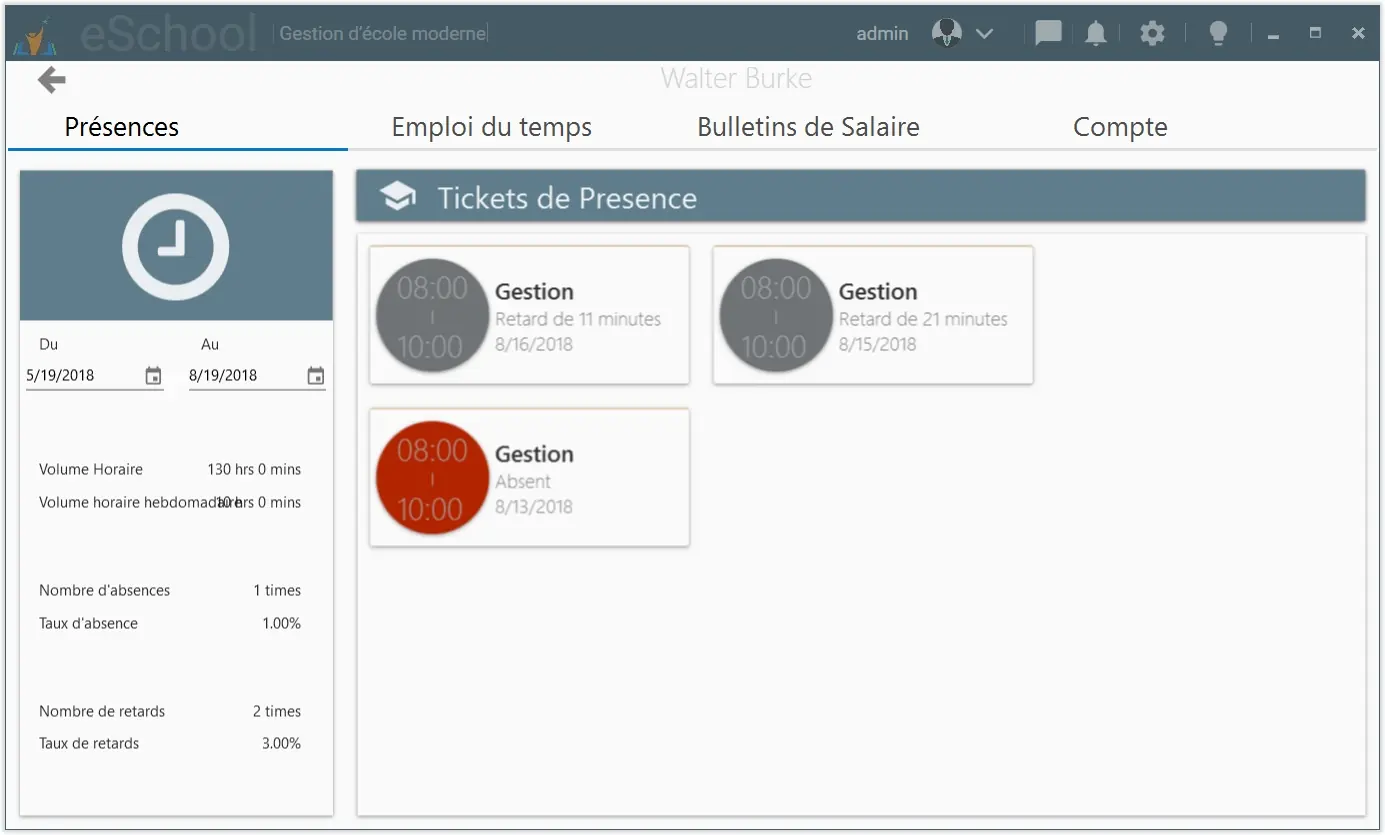
Right-click a ticket to Excuse it (or Restate an excused one) or Delete it.