

Terms & Periods
Divide the school year into semesters, trimesters, or quarters.
- Required for term-based report cards
- Structures the timetable around specific date ranges
- Grades are organized by term automatically
1. Find the School Year
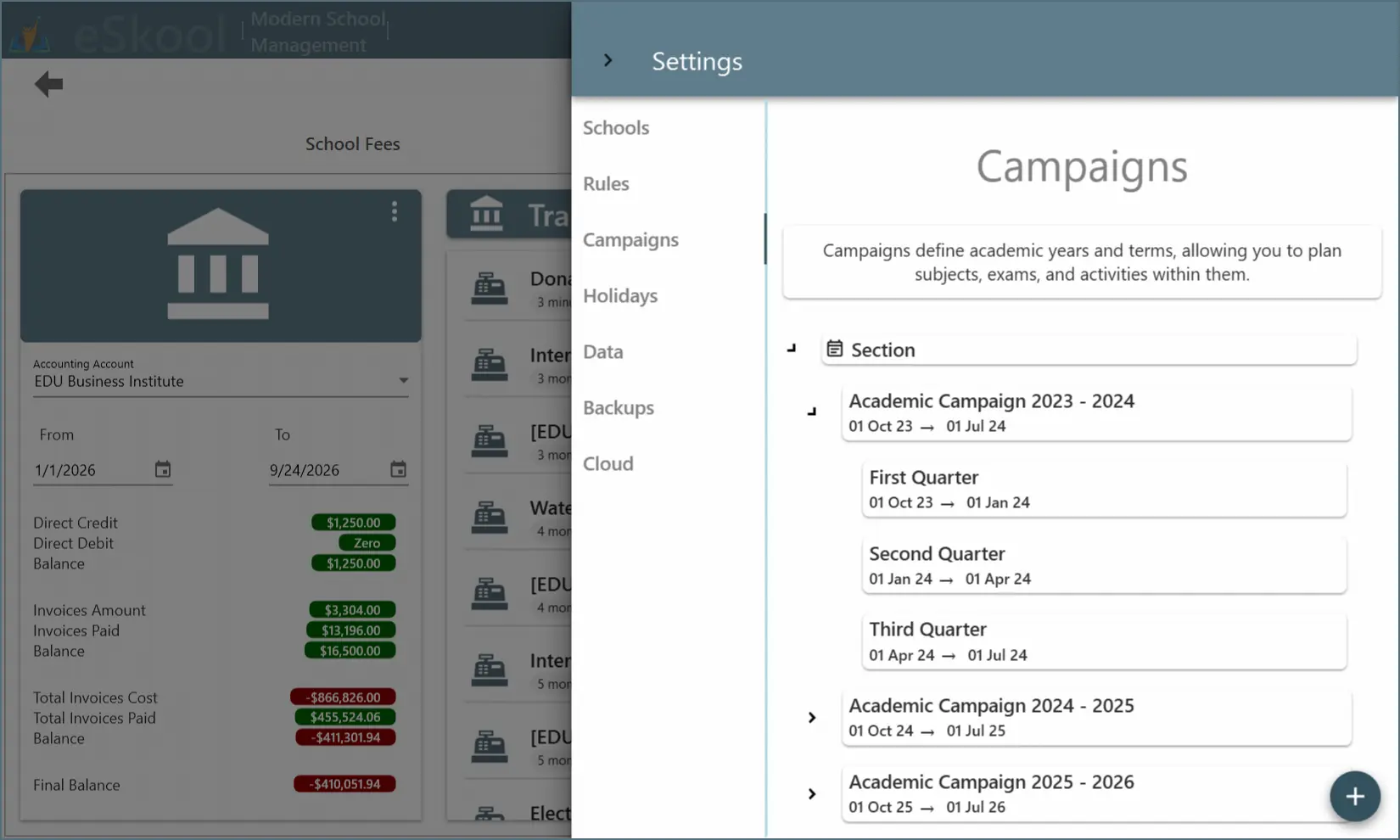
Section titled “1. Find the School Year”From the home screen, click Plan and Activities. Find the school year you’re setting up in the first panel. No school year yet? Create one.
2. Add a Term
Section titled “2. Add a Term”Right-click the school year and select Add new Term.
3. Enter Details
Section titled “3. Enter Details”Enter the Term name (e.g., “Semester 1”) and its Start Date and End Date. The dates start out as the school year’s own and must stay within them. Click Save.
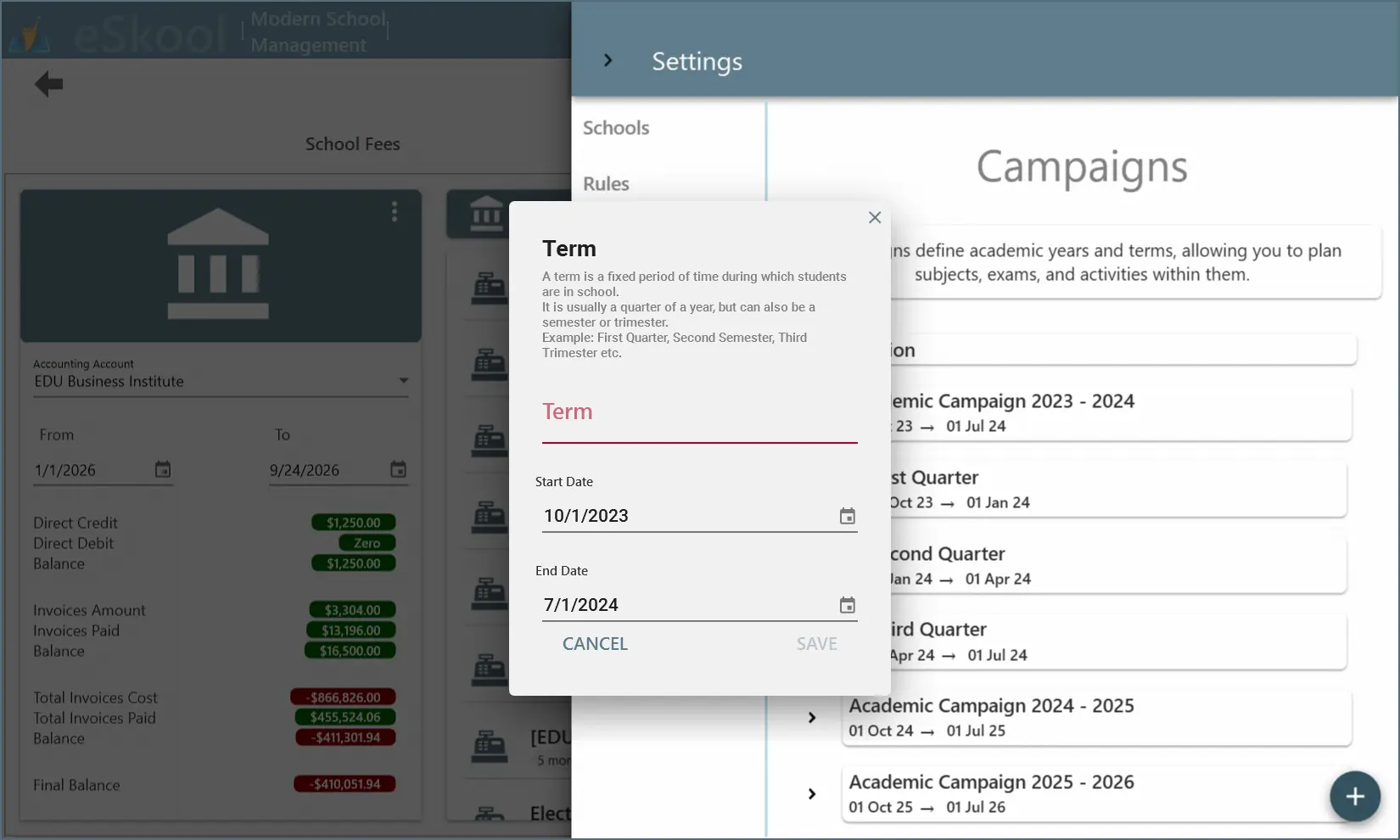
Repeat for each term in the school year. To change or remove a term, right-click it and select Edit or Delete.