

Register a Student
Add a new student with their personal details.
- This is where every student’s journey begins
- Once registered, you can enroll them in classes and track their progress
- Get this right and everything else flows smoothly
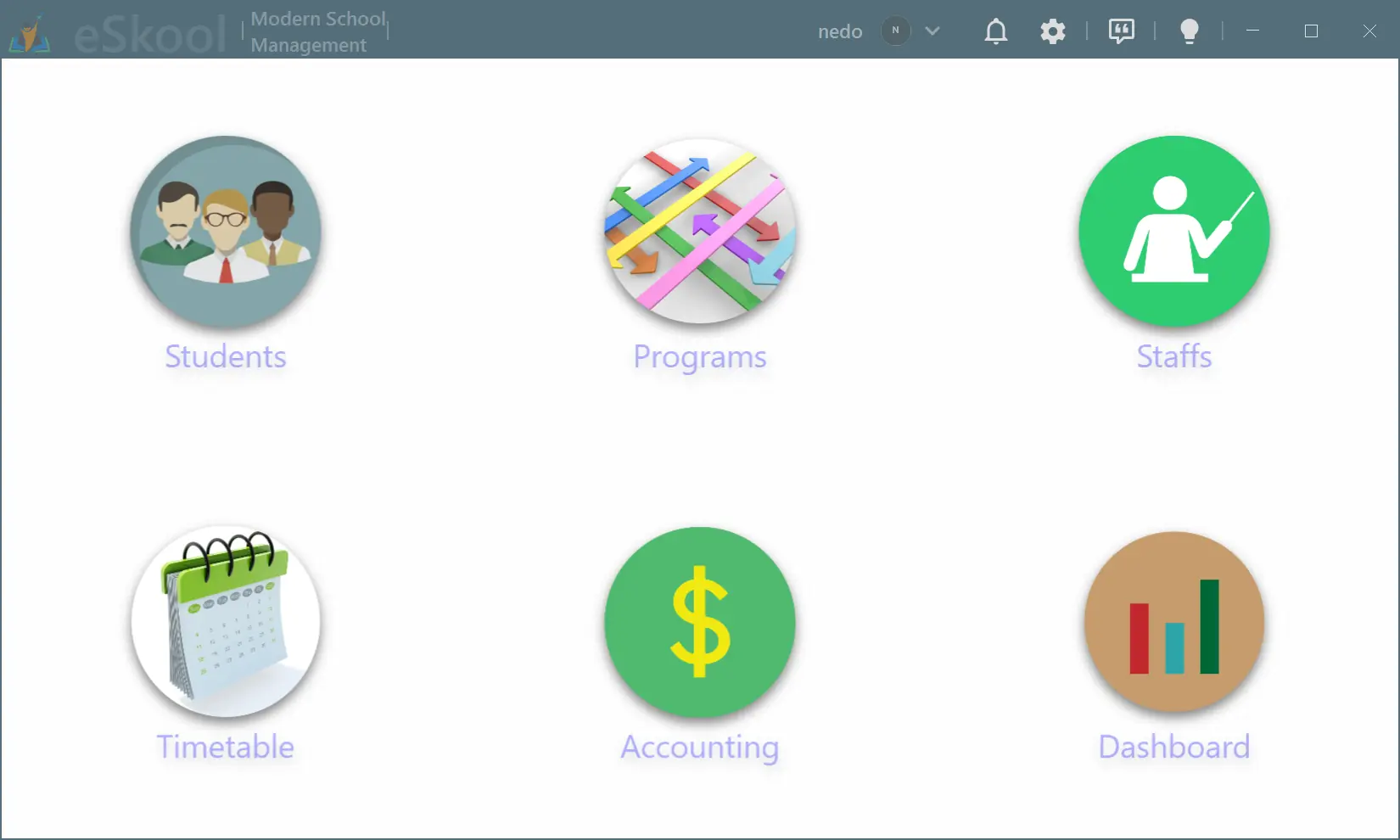
1. Open Students
Section titled “1. Open Students”From the main dashboard, click Students.
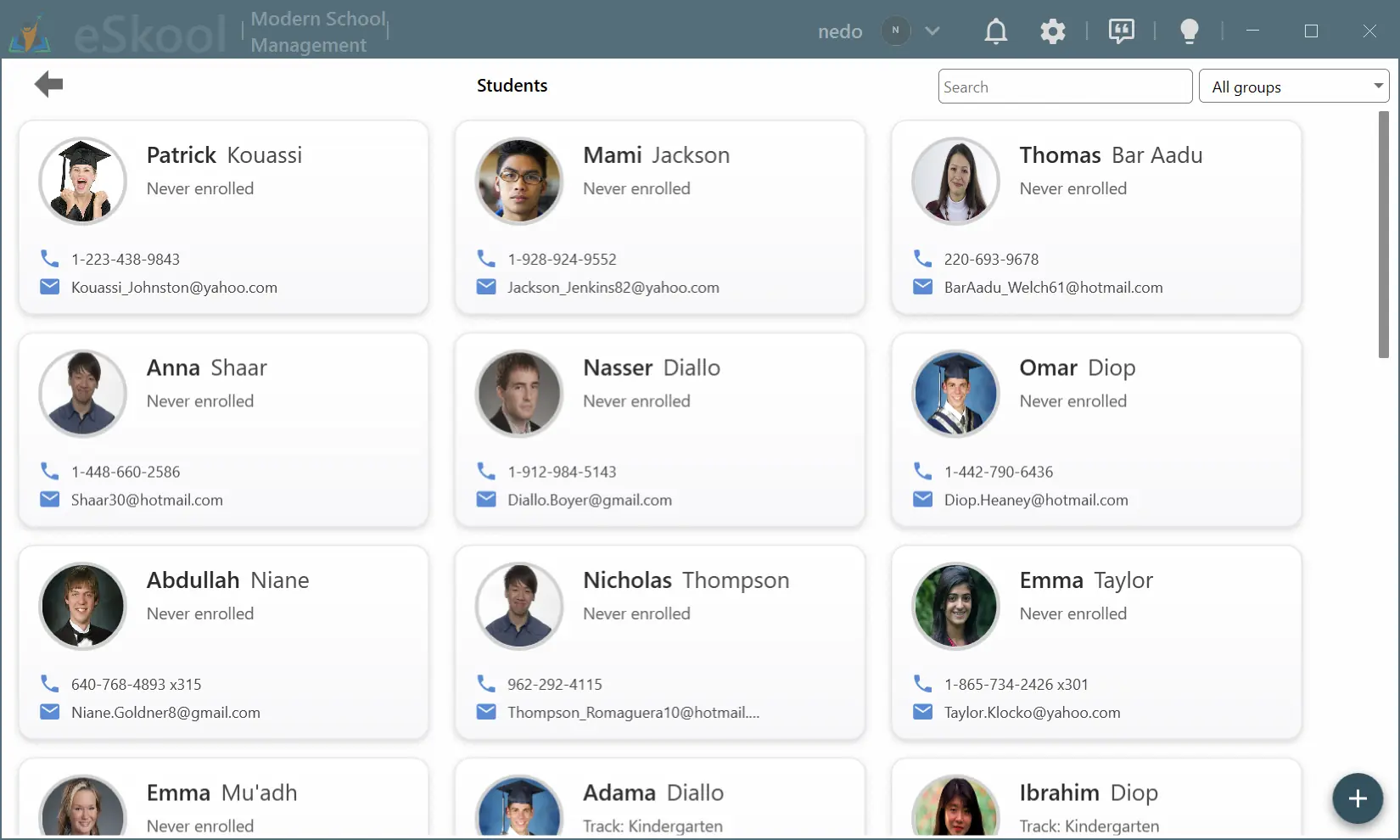
2. Add a New Student
Section titled “2. Add a New Student”Click the plus icon (+) at the bottom right of the student list, then click New Student.
3. Fill In the Details
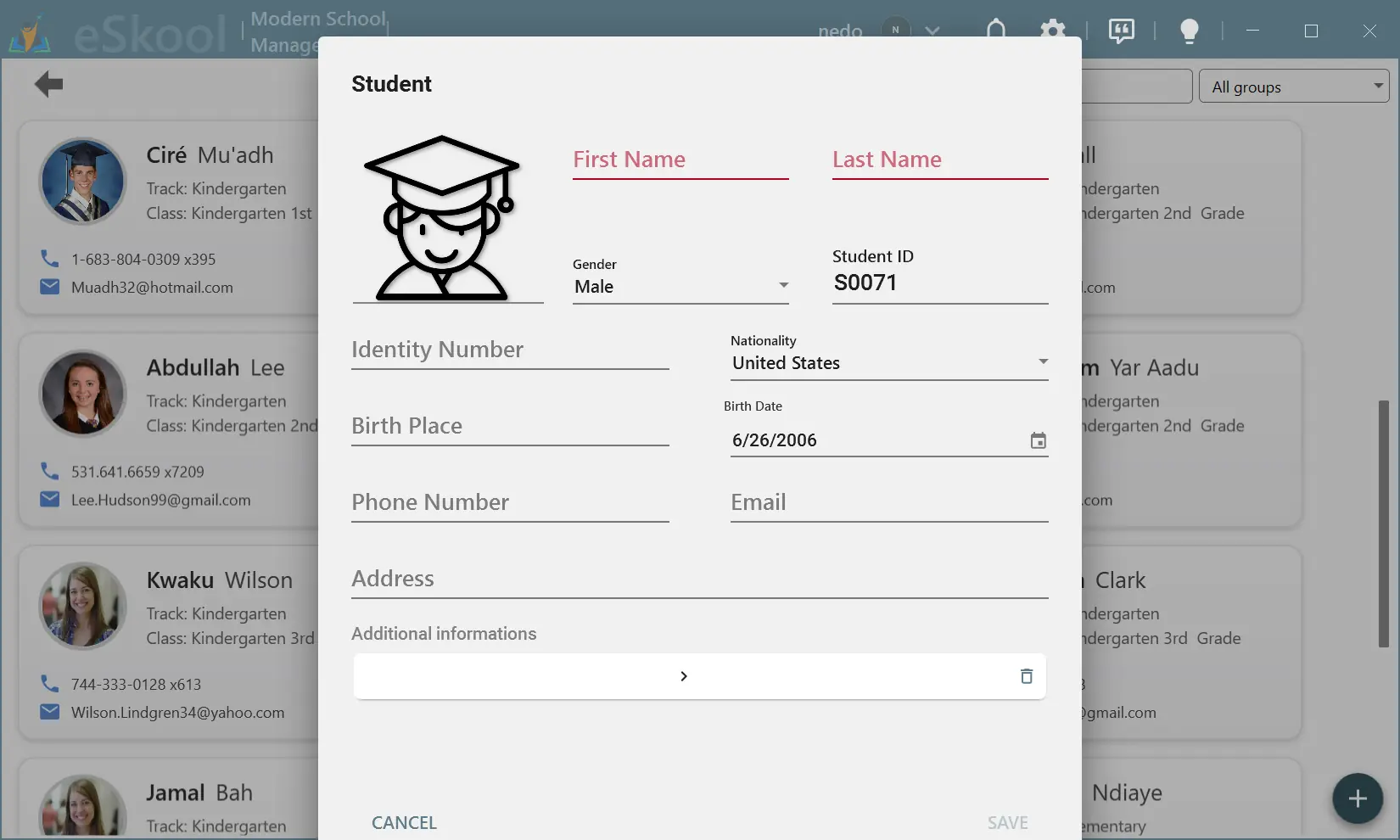
Section titled “3. Fill In the Details”Complete the form and click Save.
- First Name, Last Name and Student ID are required (at least 2 characters each).
- Student ID is filled in automatically with the next free number. You can change it.
- Gender, Identity Number, Nationality, Birth Place, Birth Date, Phone Number, Email and Address are optional.
- Click the photo to add a picture of the student.
The student now appears in the list. Next, enroll them in a class.
- Registering many students at once? Import them from Excel instead.