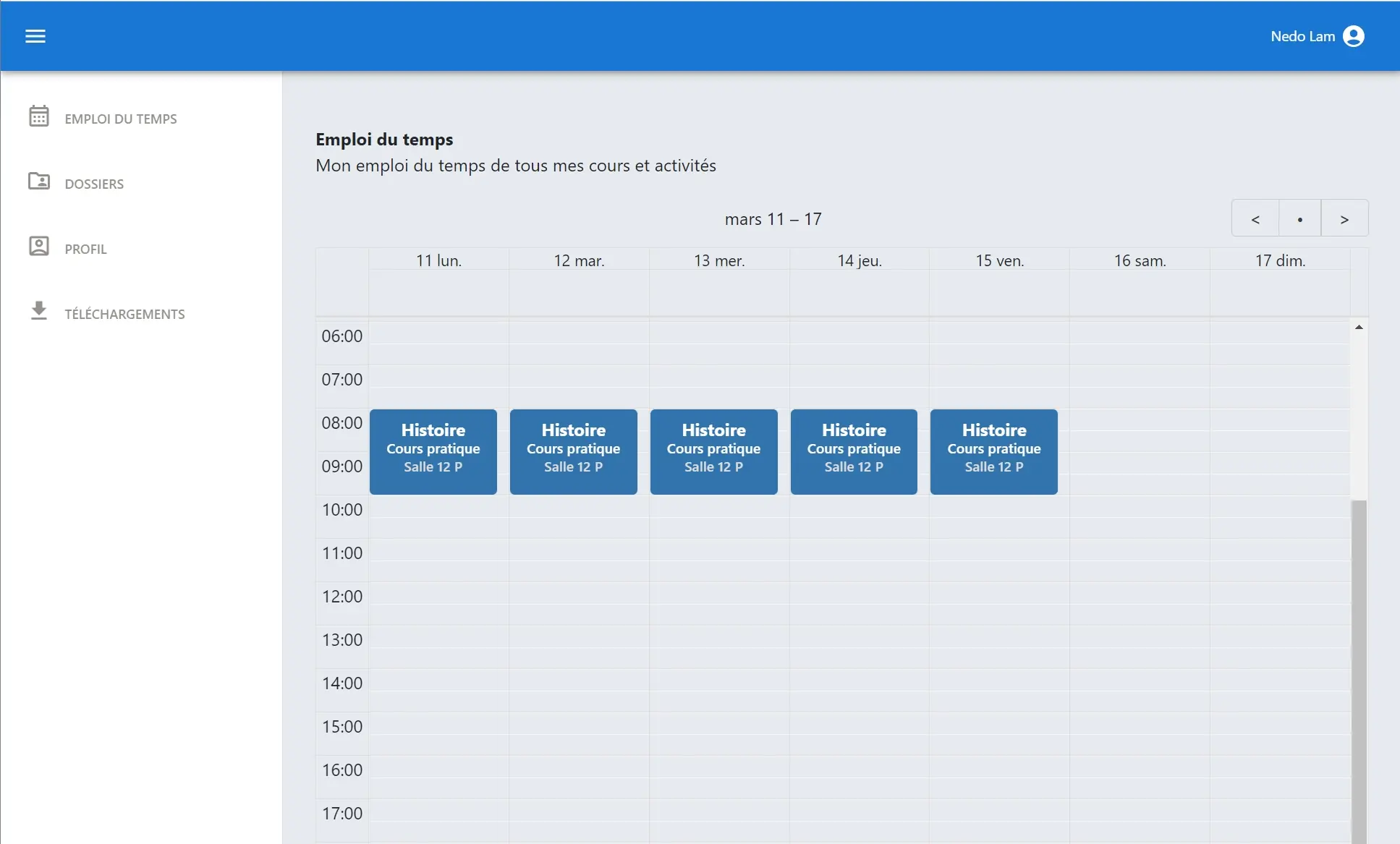
View Timetable
Check the class schedule online.
- Know exactly what classes are scheduled and when
- Parents can plan around school hours
- Schedule changes appear immediately
How to View the Timetable
Section titled “How to View the Timetable”- Log in to the Luwal web portal.
- Open the timetable:
- On a computer – Click Timetable in the left menu. It shows a week at a time.
- On a phone – Tap Timetable in the bottom bar. It shows one day at a time; swipe left or right to change day.
- View the complete schedule, including classes, exams, and activities.