

Database Location
Find where Luwal stores your data.
- Your IT person might need this for backups
- It’s in a system folder—here’s how to find it
- Don’t edit these files unless you know exactly what you’re doing
⚠️ Warning: Editing the database directly can corrupt your data permanently.
Default Location (Windows)
Section titled “Default Location (Windows)”The database is in your user’s AppData folder:
%LOCALAPPDATA%\Packages\eSkoolEducationTech.eSkoolEU_75fjjy8fce41g\LocalCache\Local\.data\AppTo find it:
- Open File Explorer.
- Paste the path above into the address bar.
- Press Enter.
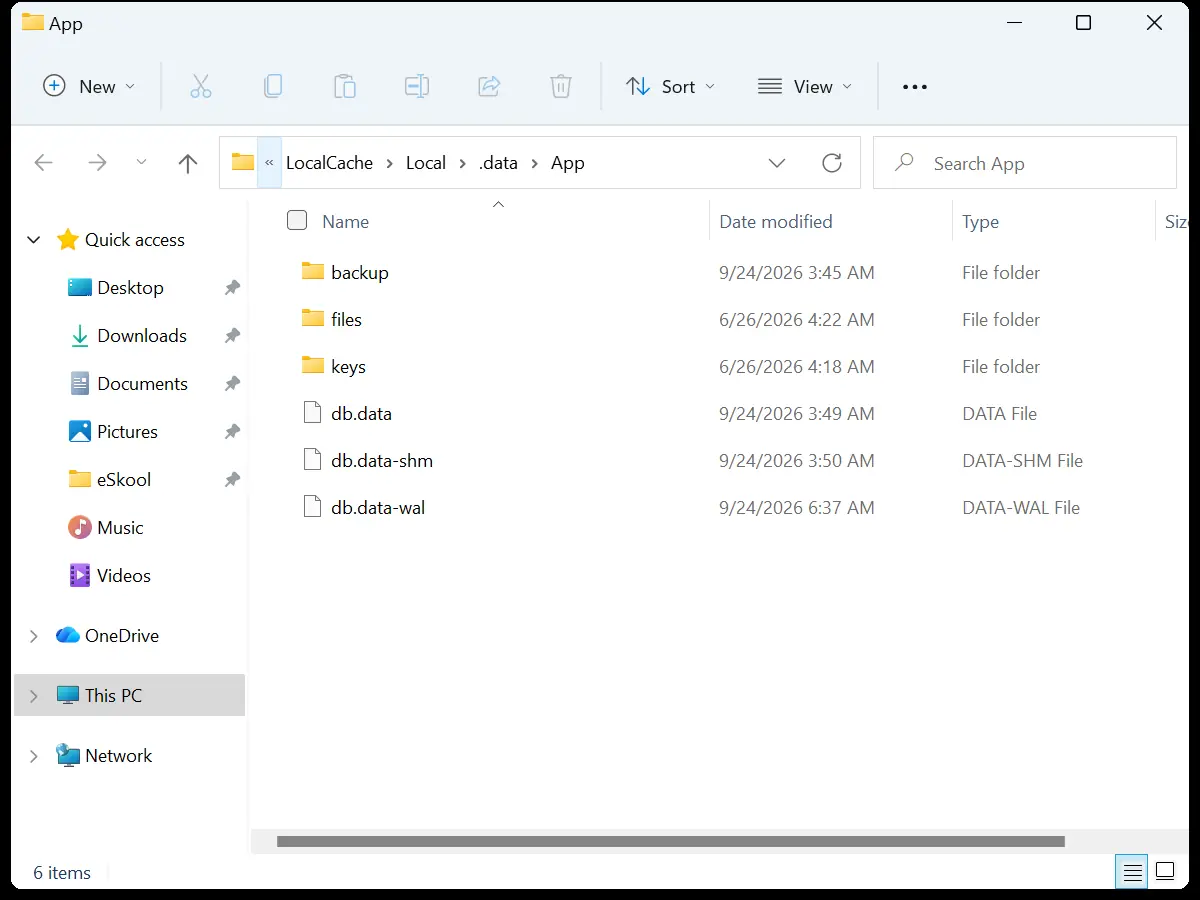
The App folder holds db.data — your database — alongside backup, files and keys. Handle with care.
Installed outside the Microsoft Store? Use the shorter %LOCALAPPDATA%\.data\App instead. It is the same folder: for the Store version, Windows redirects it into the app’s package, which is where the longer path comes from.