

Teacher Subjects
Assign subjects that each teacher can teach.
- Tell Luwal what each teacher is qualified to teach
- Helps when building the timetable—it knows who can teach what
- Update it when teachers take on new subjects
1. Open Staffs
Section titled “1. Open Staffs”From the home screen, click Staffs.
2. Open the Teacher’s Profile
Section titled “2. Open the Teacher’s Profile”Double-click the teacher, then open the Schedules tab.
3. Assign Subjects
Section titled “3. Assign Subjects”In the Specialties panel, click the + button. Tick the subjects this teacher can teach. Each tick is saved straight away; close the window when you’re done.
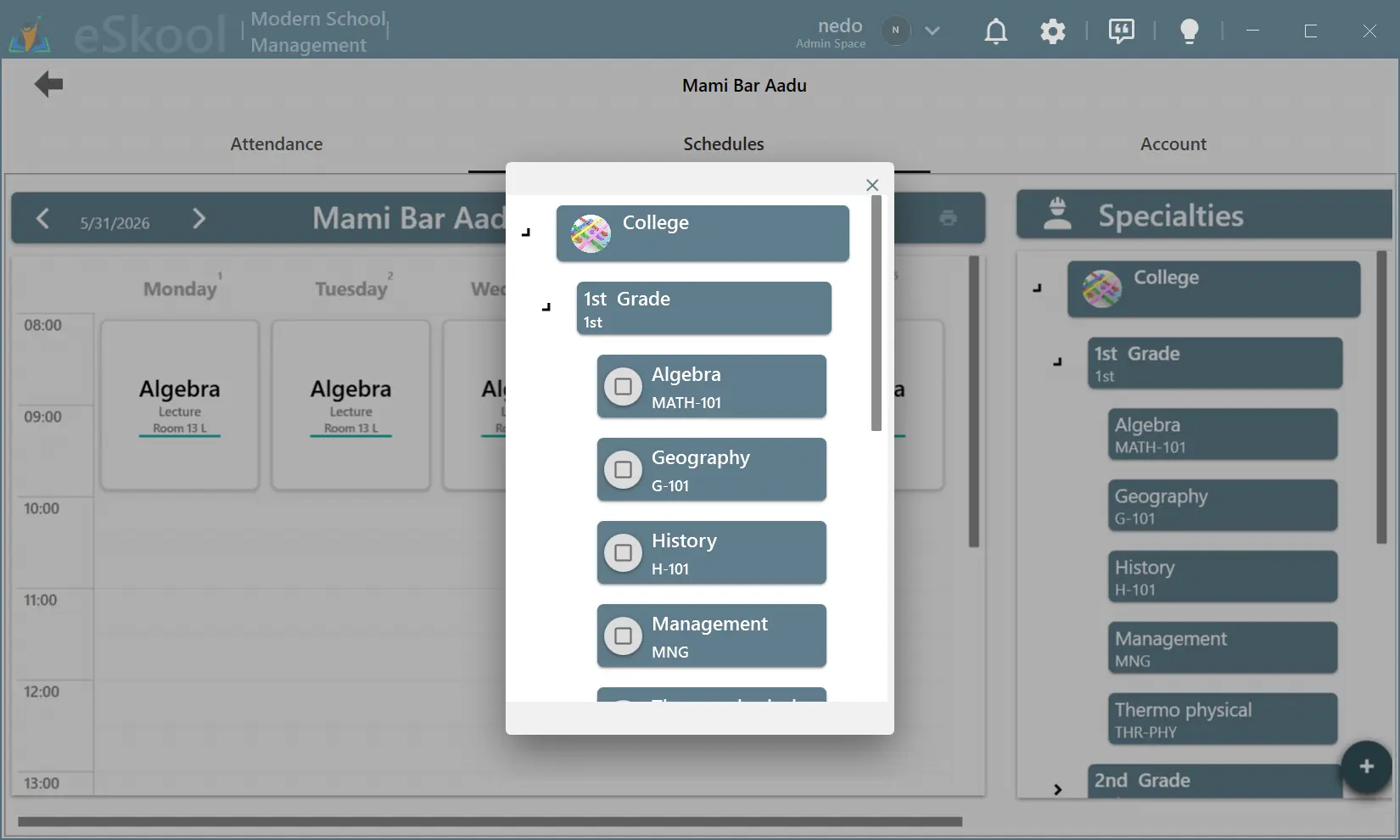
Note: Subjects must first be added to your classes before you can assign them here.