

Buy SMS Credits
Purchase message credits to send SMS from Luwal.
- You need credits before you can send texts
- Buy a pack that matches how many messages you’ll send
- Prices vary by country
1. Open the SMS Page
Section titled “1. Open the SMS Page”Log in to the Luwal web portal and click Products > SMS in the left menu. The Sms Service page shows your Balance and your Delivery History.
2. Choose a Package
Section titled “2. Choose a Package”Click the shopping bag button (See prices), then click Buy on the package that fits your needs.
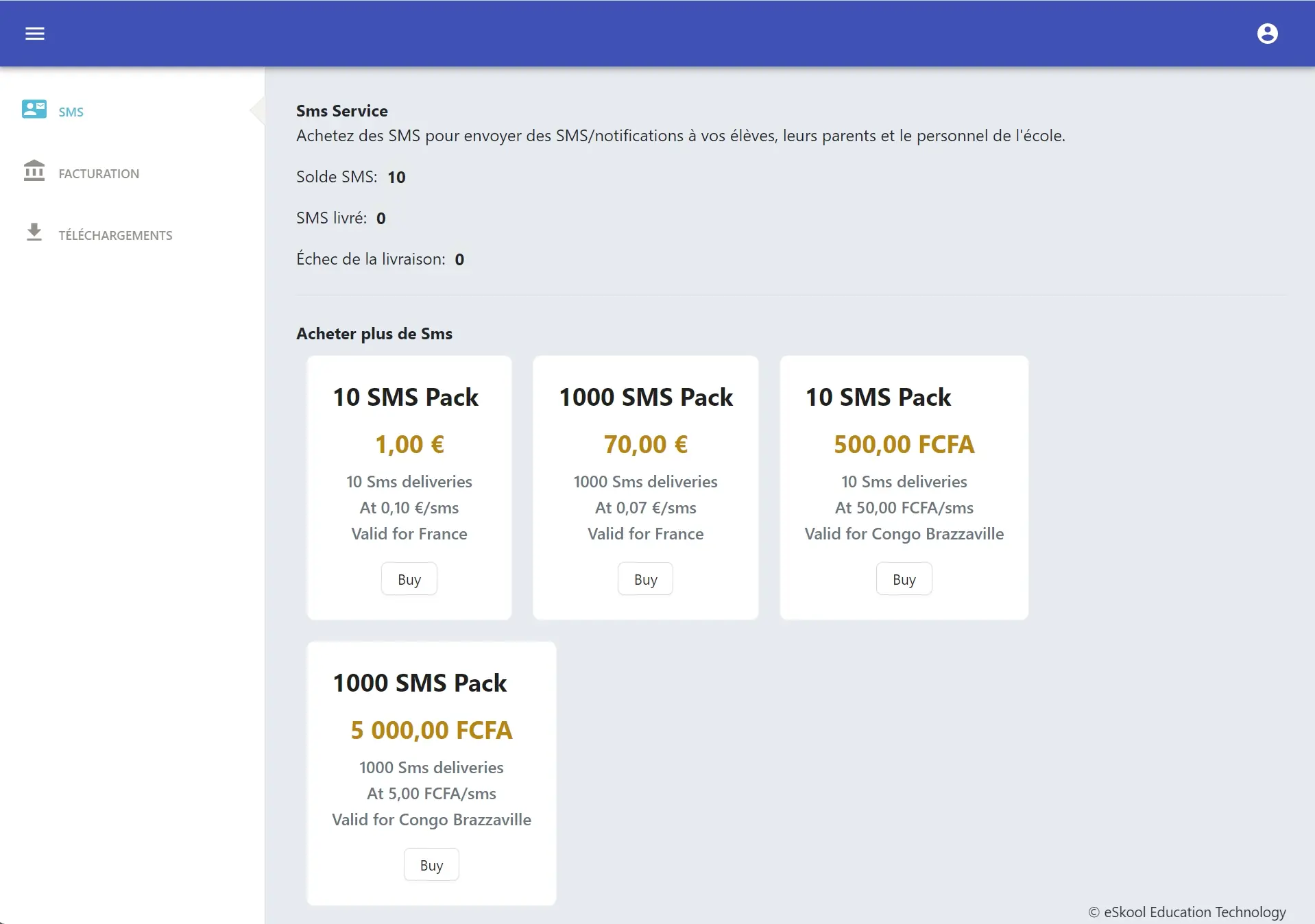
Note: Packages are country-specific. A France package only sends to French numbers (+33). Choose the right region for your recipients.
3. Pay
Section titled “3. Pay”On the Checkout page, enter your card details (Visa or Mastercard) and click Pay.
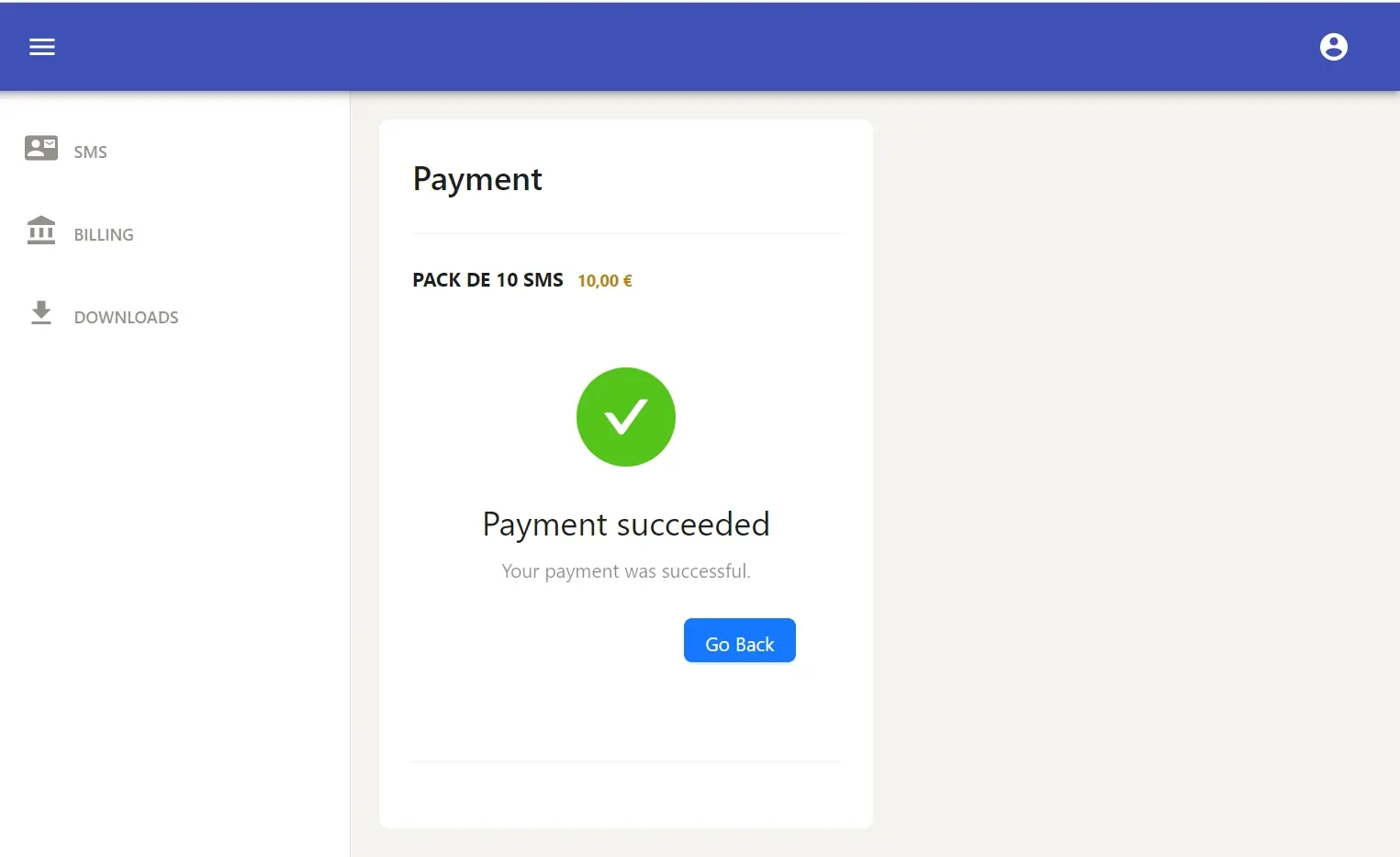
4. Confirm
Section titled “4. Confirm”Credits are added to your account automatically.
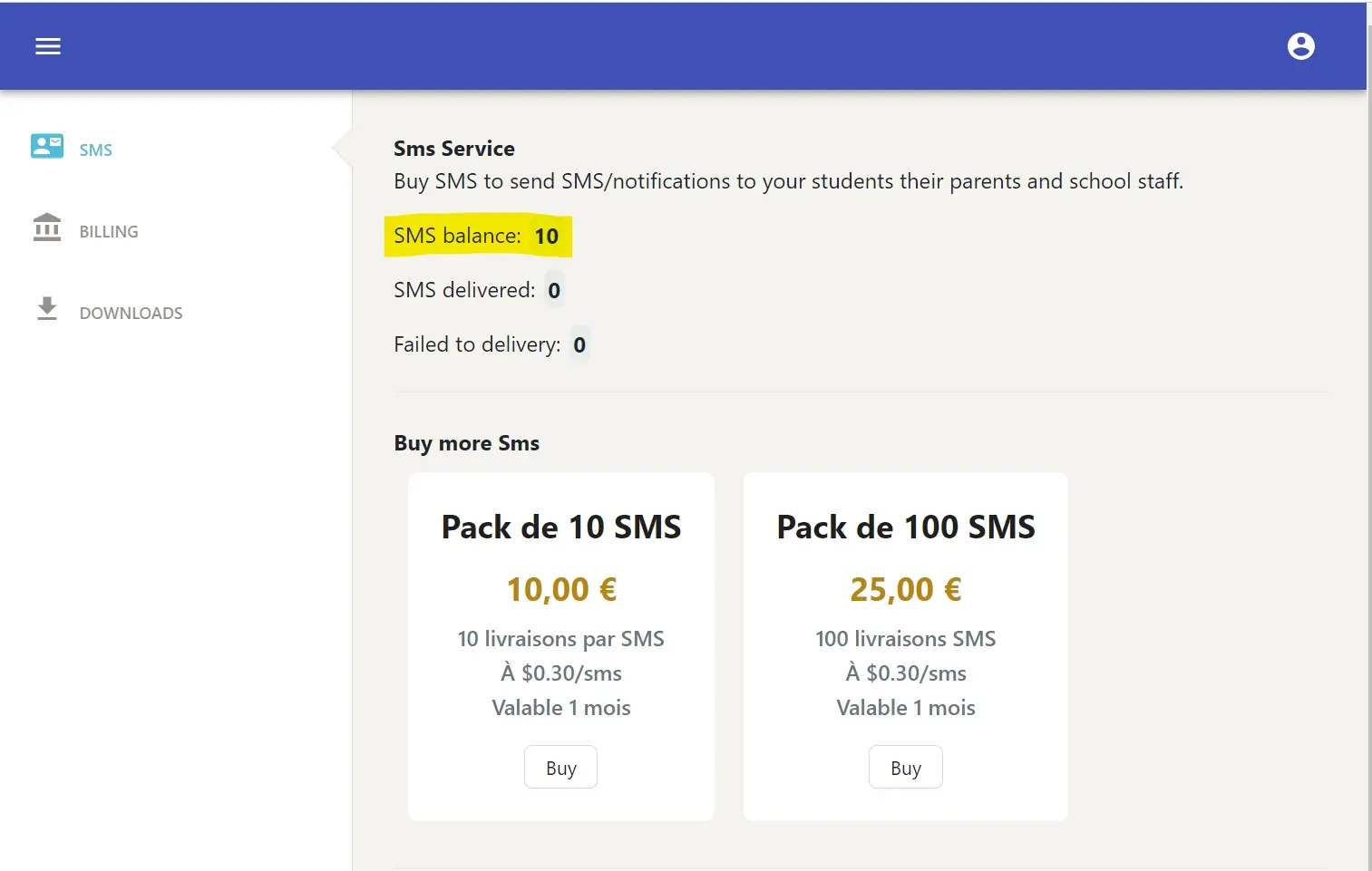
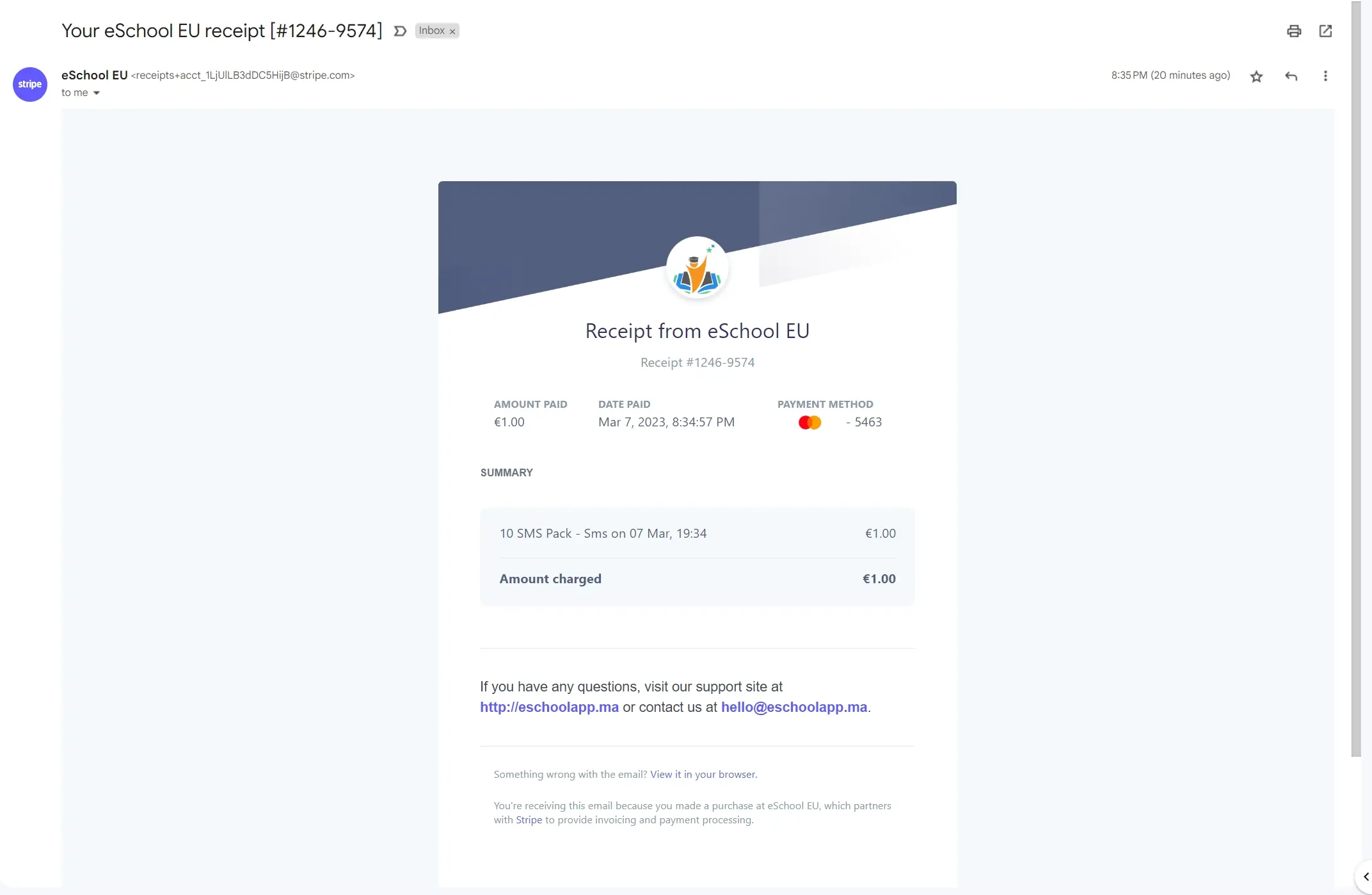
You’ll receive an email receipt.
If you don’t see Products > SMS, your account isn’t allowed to send SMS — ask your administrator.
Next step: Connect the SMS service to Luwal.