

Send SMS
Send text messages to students, parents, or entire classes.
- Text one person or send a message to a whole class
- Perfect for “school’s closed tomorrow” announcements
- Parents get it on their phone in seconds
Before You Start
Section titled “Before You Start”Make sure you have:
- Purchased SMS credits
- Connected the SMS service
- Entered phone numbers when registering students
Send to One Student
Section titled “Send to One Student”-
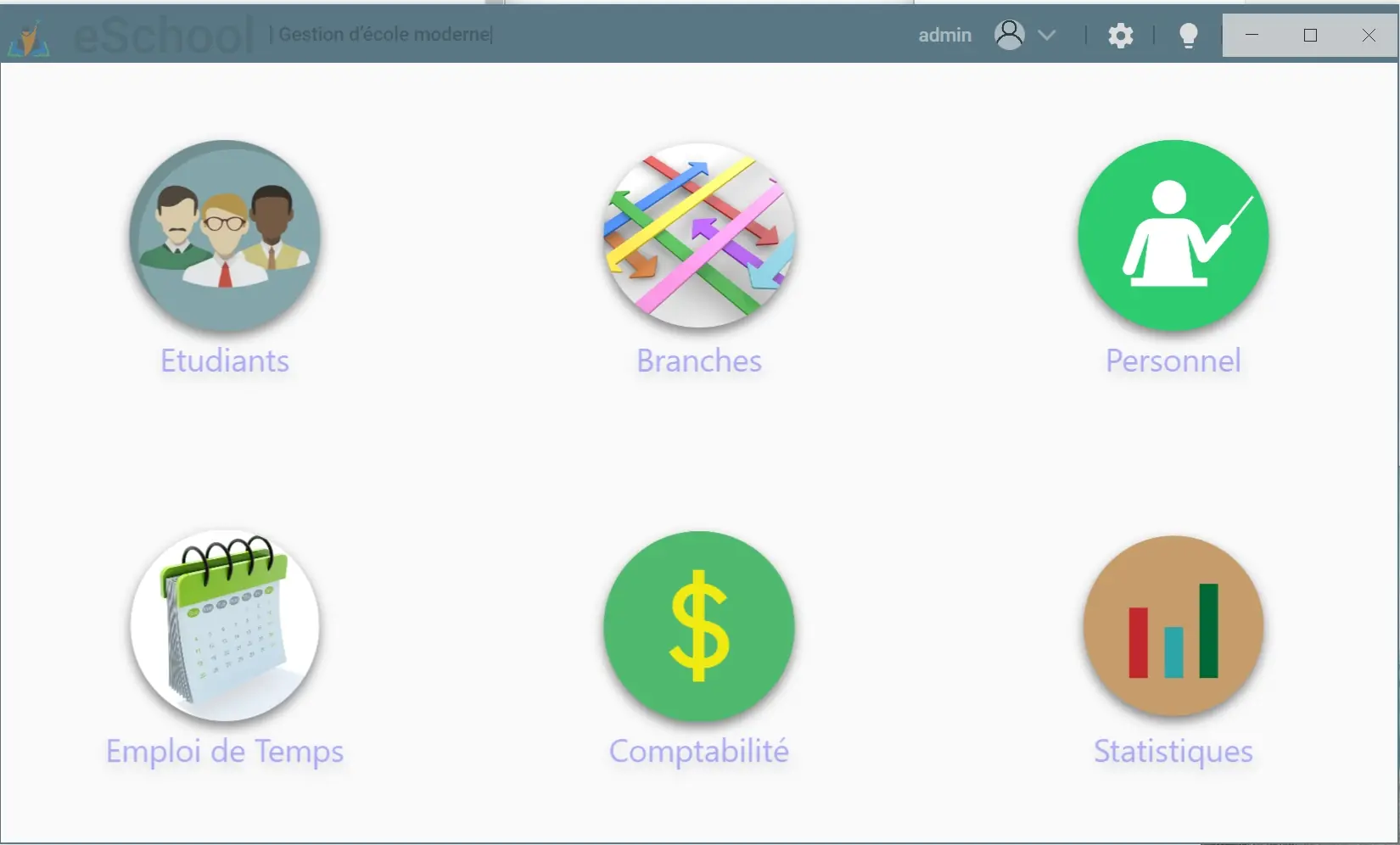
Go to Students.
-
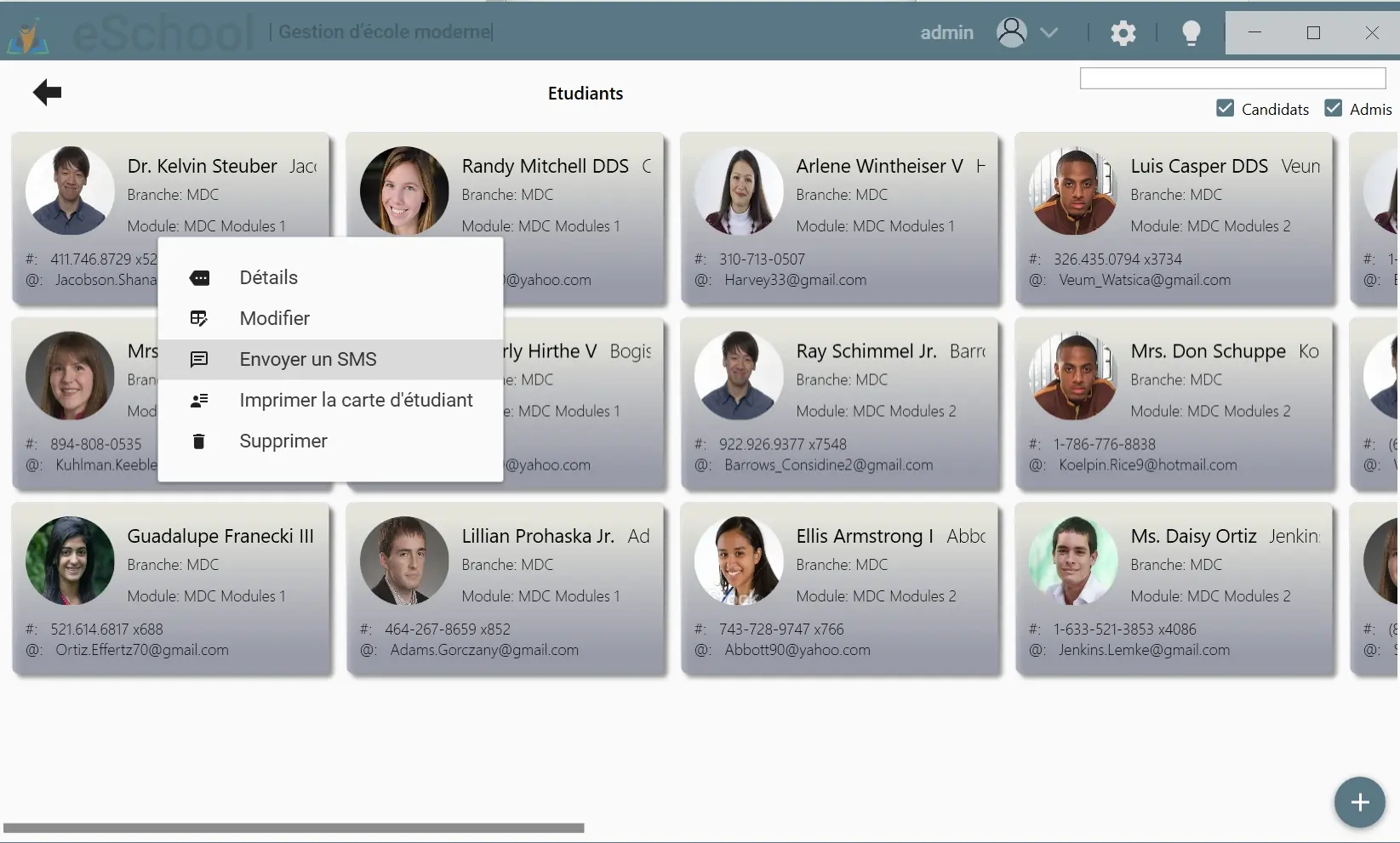
Right-click the student and select Send SMS.
-
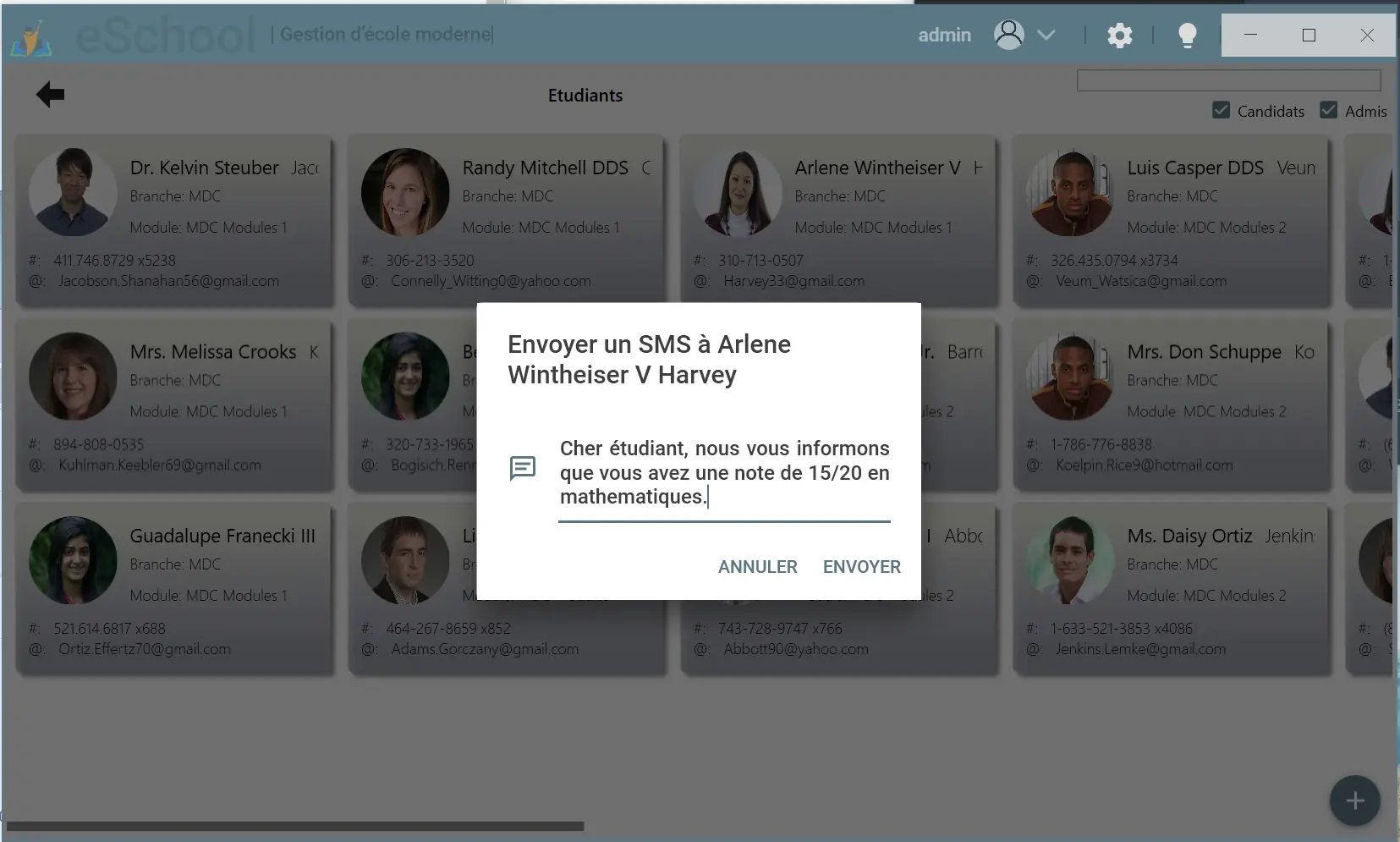
Type your message and click Send.
Send to a Whole Class
Section titled “Send to a Whole Class”-
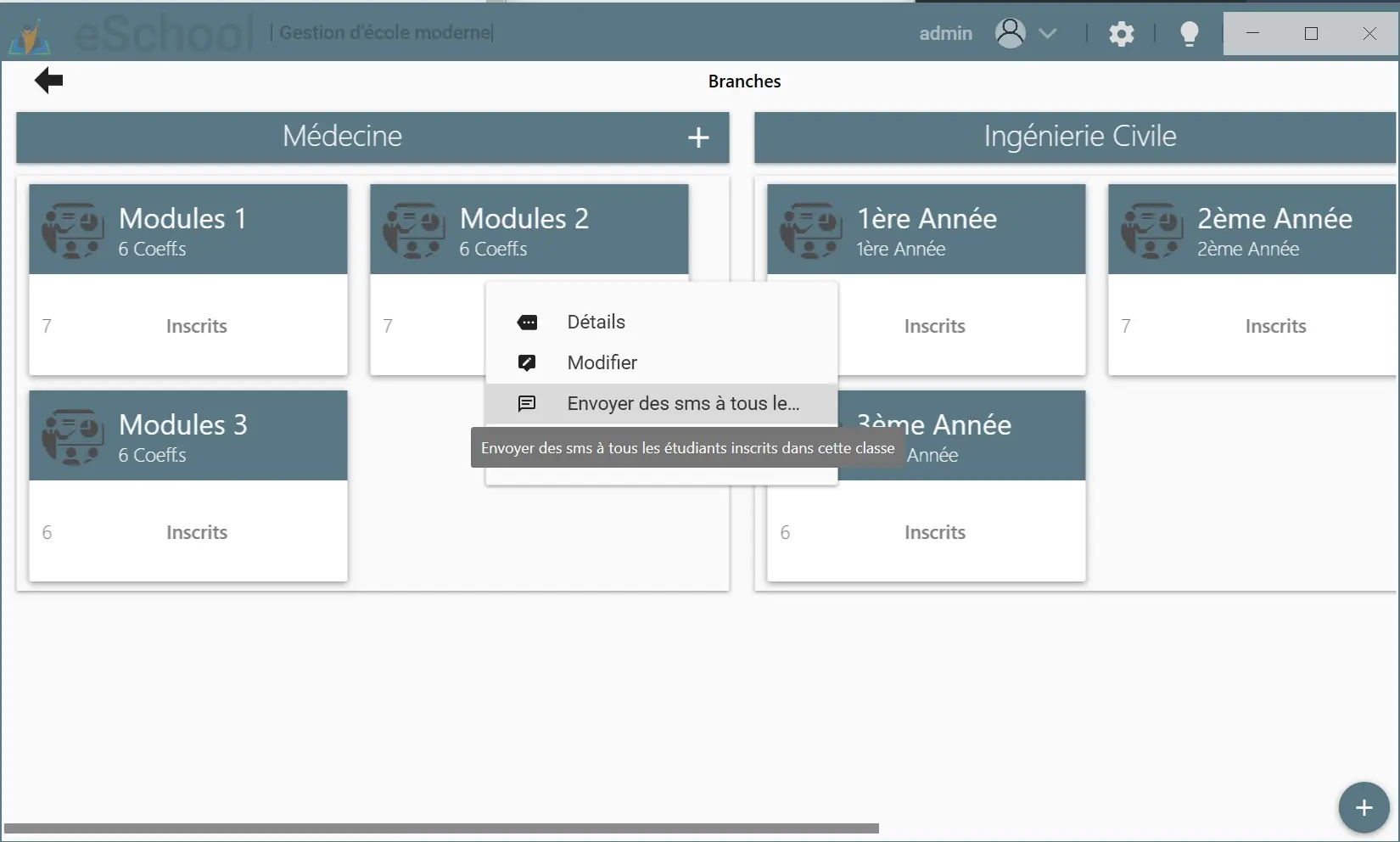
Go to Programs.
-
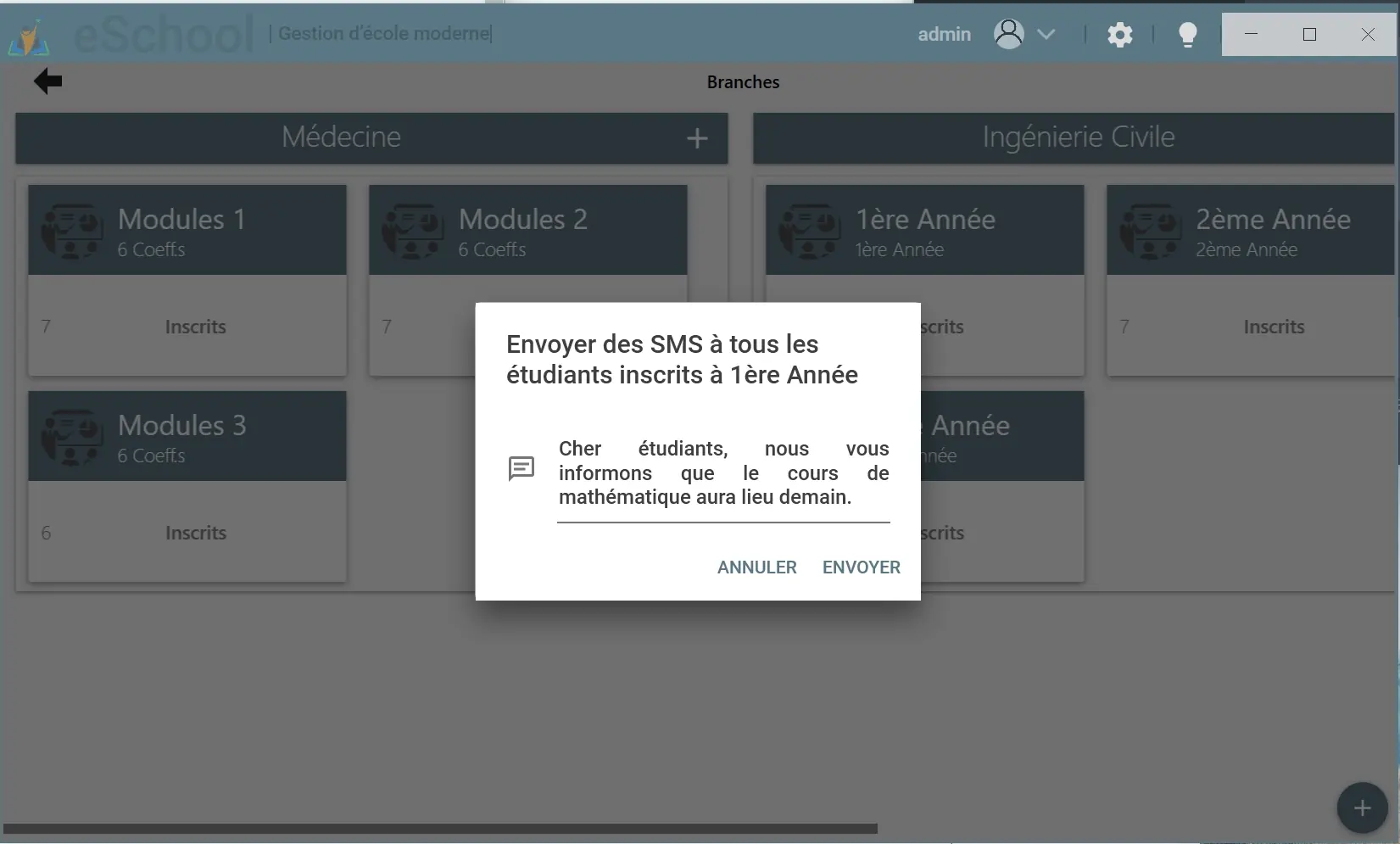
Right-click the class and select Send sms to all students enrolled in this class.
-
Type your message and click Send.
If Something Goes Wrong
Section titled “If Something Goes Wrong”- No “Send SMS” in the menu? It only appears when SMS is enabled for your school and you have the Send SMS & Email role. See the SMS FAQ.
- Out of credits? The send fails with an error. Buy more credits and try again.