

Academic History
See a student’s enrollments across school years.
- Look back at where they started and how far they’ve come
- Helpful when a new teacher needs background on a student
- Perfect for parent conferences
View Academic History
Section titled “View Academic History”- Open Students From the main dashboard, click Students.
- Select a Student Double-click the student.
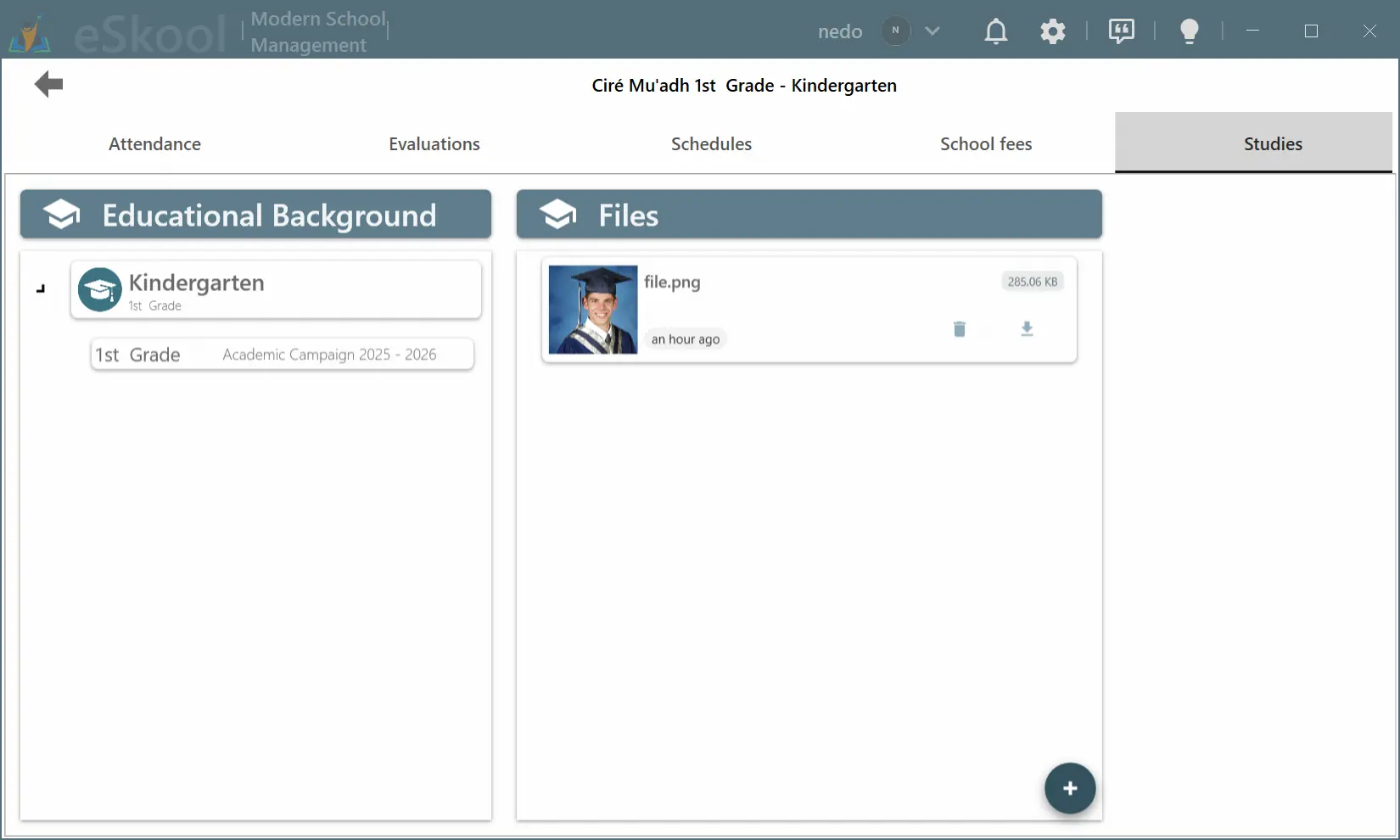
- View Studies Click the Studies tab. Educational Background lists each enrollment: the program, the class and the school year. Files holds the documents attached to the student.
For grades by term, see the Evaluations tab. See Grades & Evaluations