

Assign Subjects to Classes
Define which subjects are taught in each class, set coefficients, and assign teachers.
- Tell Luwal what each class studies and who teaches it
- Set how much each subject counts toward the final grade
- This makes timetables and report cards work correctly
1. Open Branches
Section titled “1. Open Branches”From the home screen, click Programs.
2. Select the Class
Section titled “2. Select the Class”Double-click the class you want to set up.
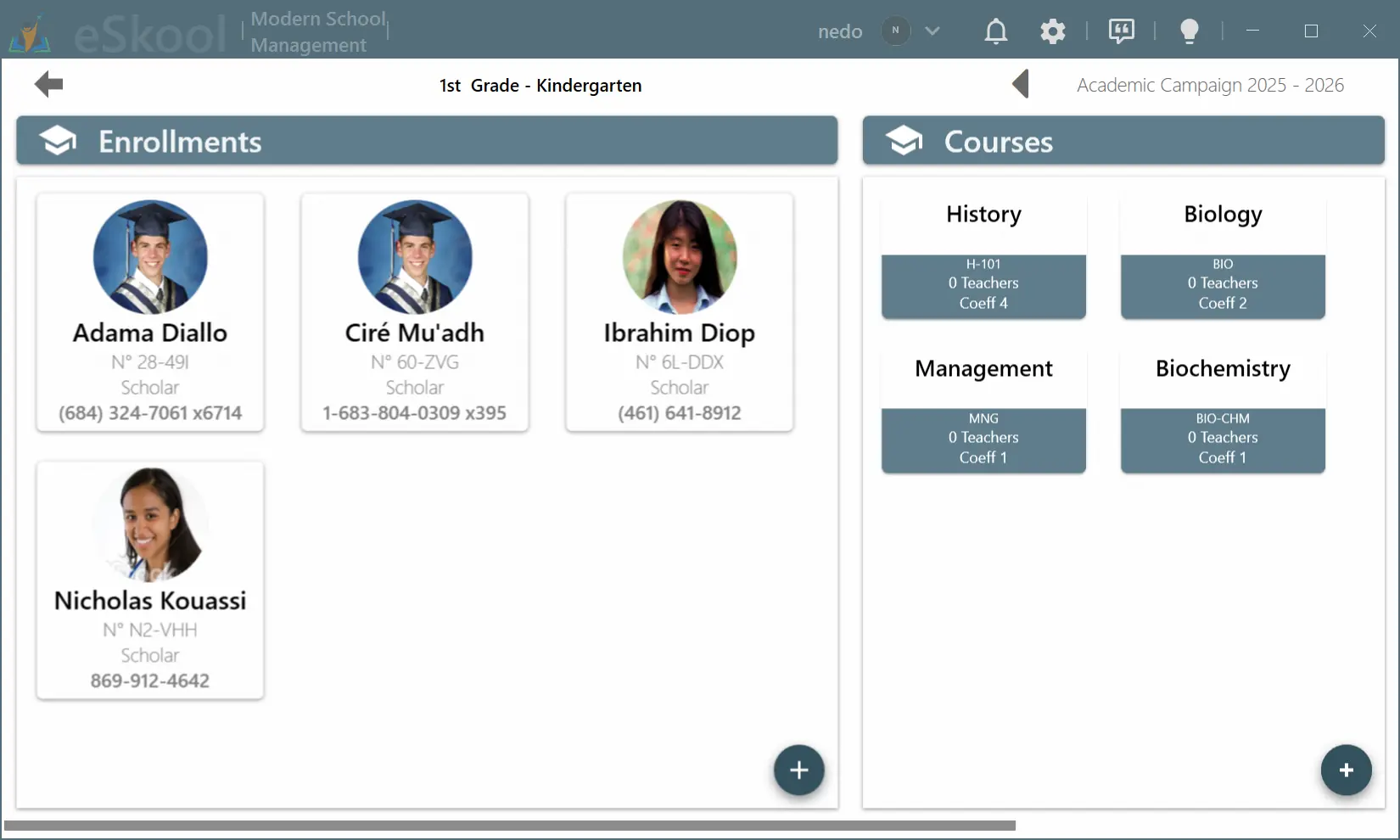
3. Manage Subjects
Section titled “3. Manage Subjects”In the Courses panel:
- Add a subject: Click the + button at the bottom right. Enter the Discipline name, then set the Requirement and the coefficient in Credit. Click Save.
- Edit a subject: Right-click it and select Edit.
4. Assign Teachers
Section titled “4. Assign Teachers”From the Study Space home screen, click Study Plan. Select the subject in the Courses panel, then click the + button at the bottom of the Teachers panel and pick the teacher.
The subject is also added to that teacher’s specialties.